
24 Home Office Layout Ideas for a Professional Remote Work Setup
.webp)
Does your home office really boost your work efficiency or does it just seem like you are trying to be productive in a closet? I get it because I've tried working from way too many awkward spaces.
No matter that you've got an entire room to work with or you're figuring out how to fit a desk near the kitchen, the right setup always matters. So, I put together 24 home office layout ideas that actually work for real people in real spaces, not just those perfect Instagram setups nobody actually uses.
Key Takeaways
- Explore 24 practical home office layout ideas that work for real spaces and actual remote workers.
- Discover minimalist, ergonomic, and small space layouts that boost focus and comfort.
- Learn creative and personality-filled setups that make your workspace feel inspiring instead of bland.
- Understand multi-purpose and tech-forward designs that adapt to hybrid lifestyles and modern needs.
- Get tips on common layout mistakes to avoid so your workspace supports productivity.
Minimalist & Clean Layouts
These layouts keep your space simple and distraction-free, which is visually calm. You focus better because nothing fights for your attention or clutters your brain.
1. The Classic Minimalist Desk Setup
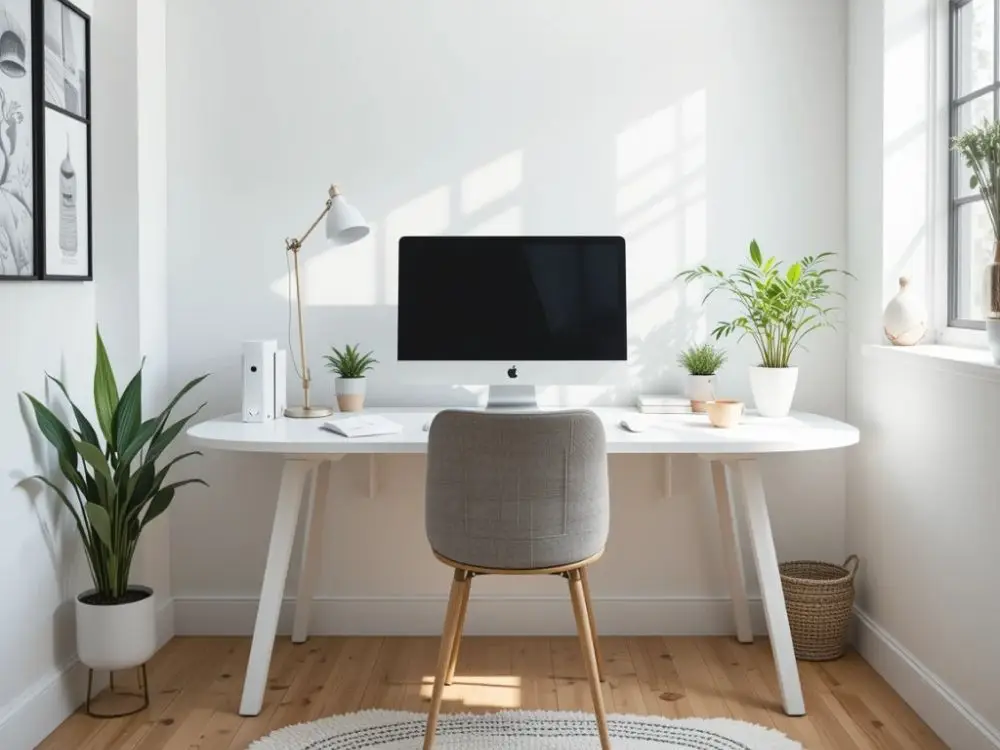
This layout sticks to the essentials and gives you a clean surface to work like an actual adult. You just use a single desk, one monitor/laptop, and a few accessories to keep everything perfect. I love this setup because it instantly clears my head when the day feels messy.
Try adding:
- A slim monitor stand
- A small desk plant
- A single drawer unit for the junk you pretend you’ll organize later.
2. The White and Wood Workspace
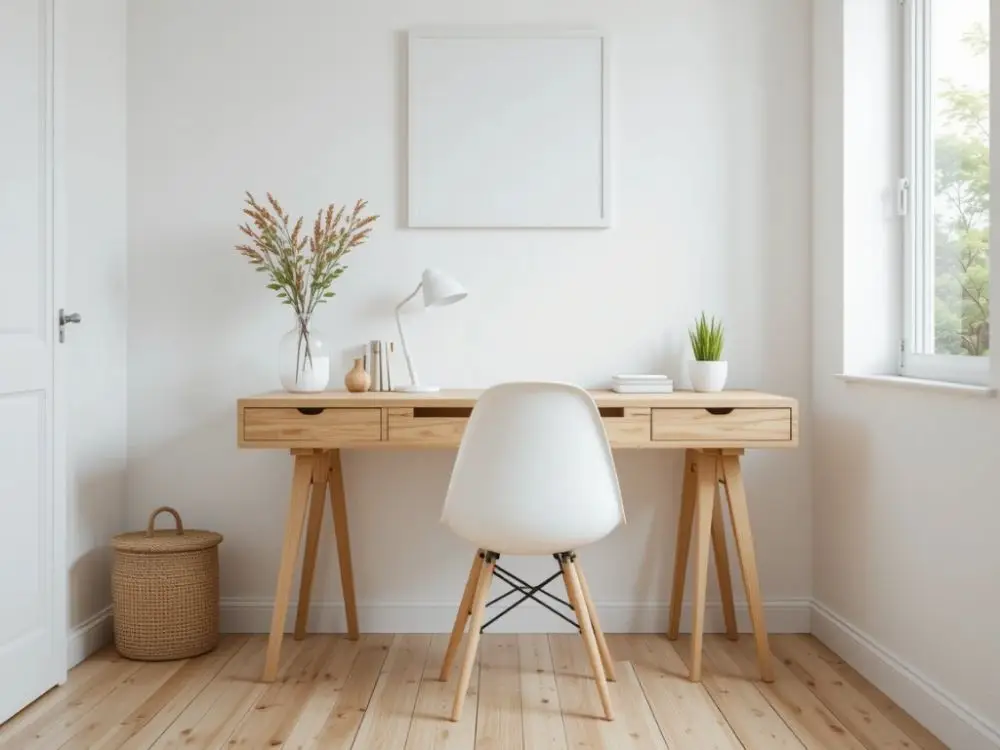
This layout setup mixes light wood furniture with white accessories to create a soft, airy vibe. This combo looks modern but warm. Plus, it keeps the room bright without feeling sterile. I love how it makes tiny rooms feel way bigger.
3. The Floating Desk Layout
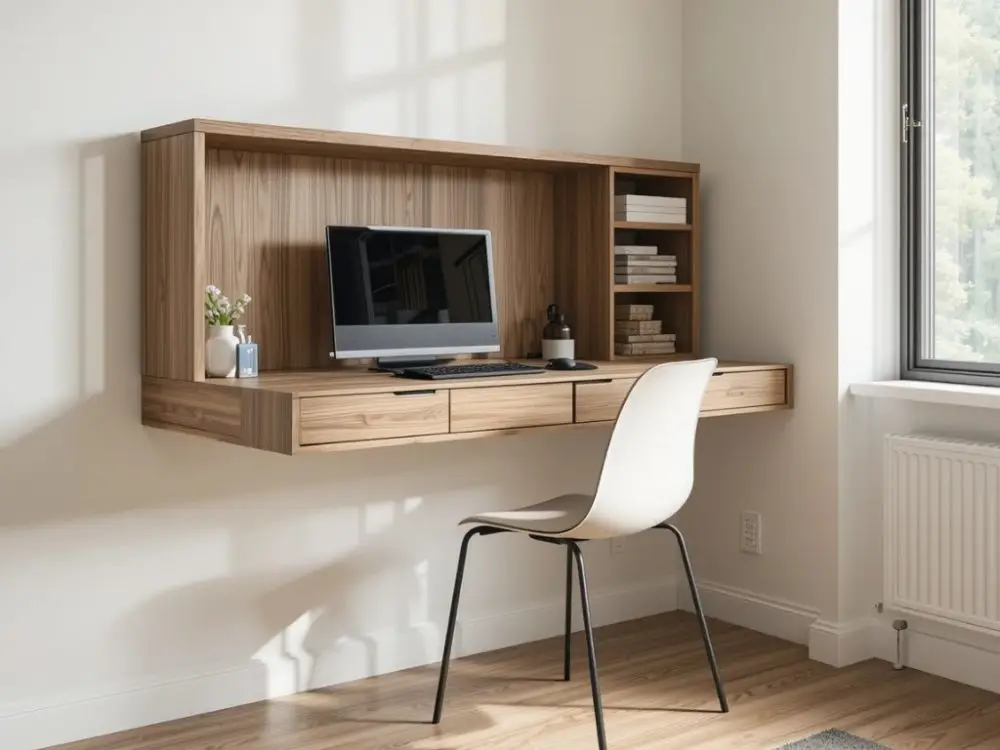
You mount a floating desk to the office wall to free up floor space. This works beautifully in small apartments where every inch matters. It keeps your setup clean, open, and surprisingly stylish without much effort.
Ideal when:
- You work in narrow corners
- You want legroom
- You prefer clutter-free layouts
4. The Hidden Office Nook
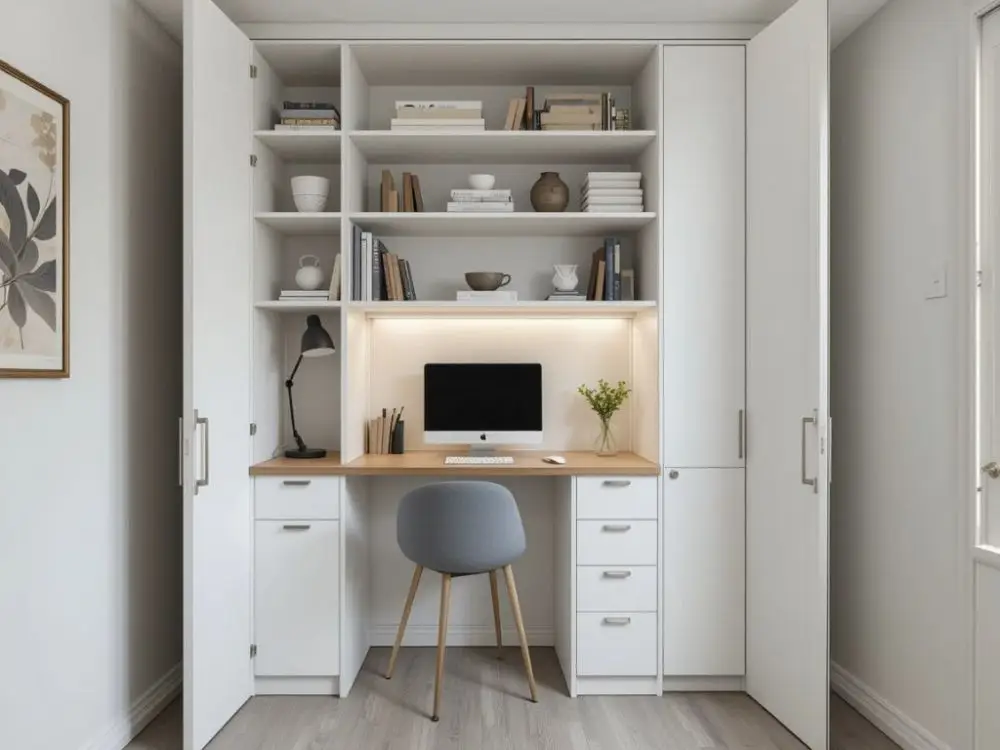
You tuck your office into a closet or a recessed nook. It gives you a compact workspace you can literally close off at the end of the day. This layout is perfect for people who love boundaries or just hide chaos behind doors.
Ergonomic & Productivity Boosting Layouts
These layouts improve your comfort and help you stay energized longer. You sit better, move better, and actually enjoy working instead of counting minutes. Let's see some ideas:
5. The Standing Desk Zone
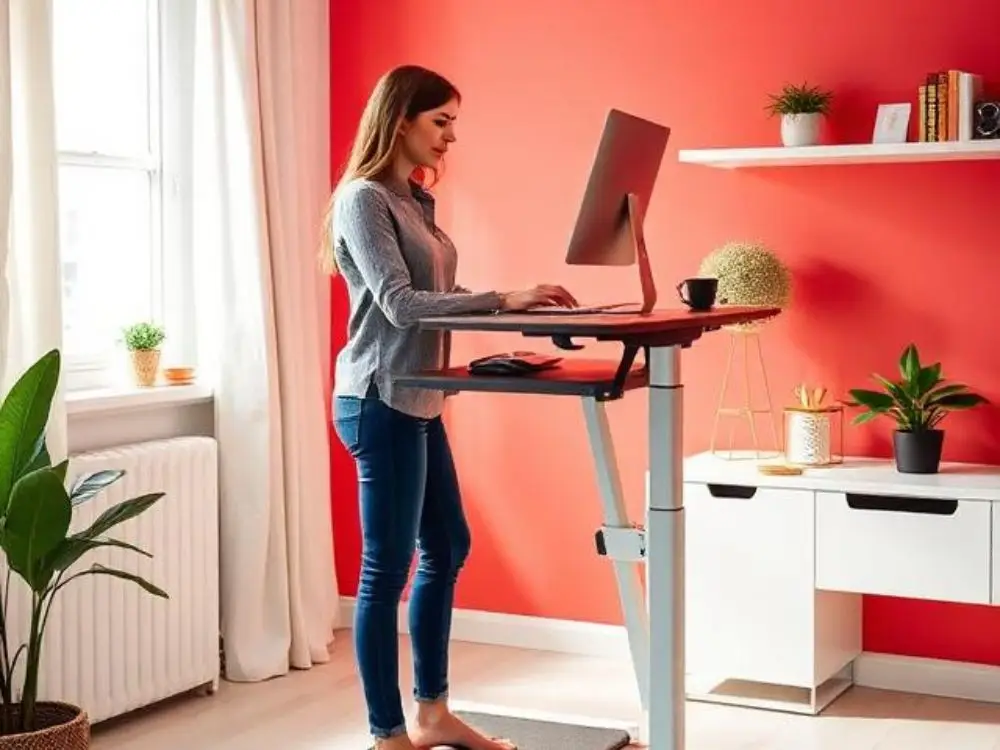
You anchor your space with a standing desk so you can switch positions easily. I swear my brain works better the moment I stop sitting like a shrimp for six hours straight.
Consider adding:
- An anti-fatigue mat
- A height-adjustable monitor arm
- A small side table for accessories
6. Dual Monitor Power Setup
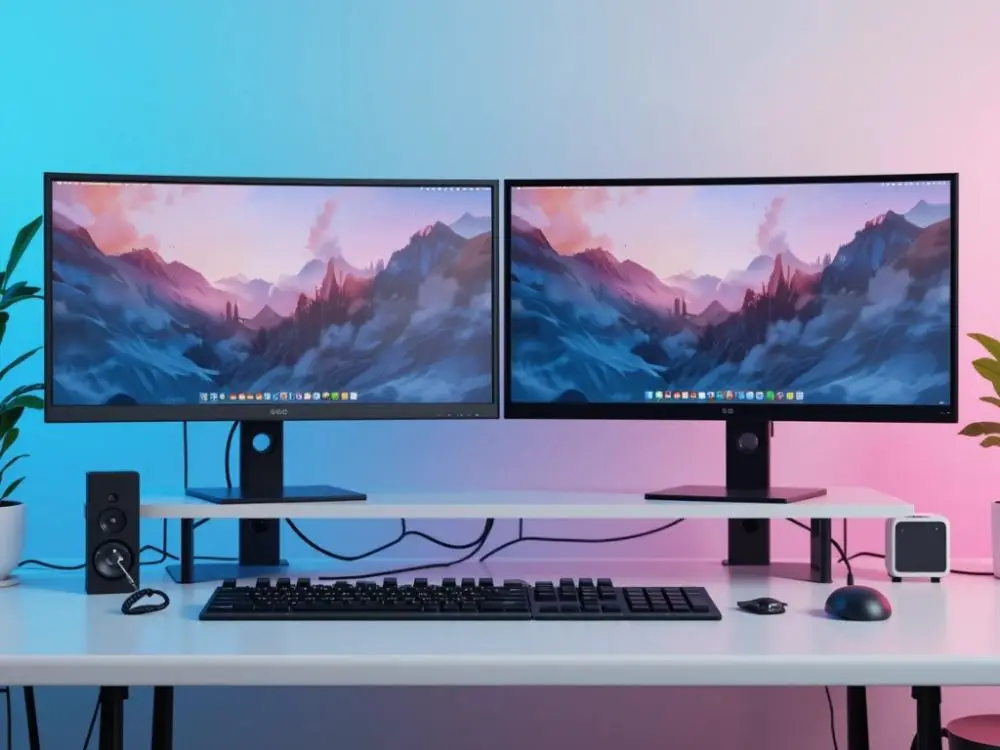
You set up two screens side by side to maximize efficiency. This layout works perfectly when you juggle projects or multitask. Plus, it's helpful to minimize opening multiple tabs on the same laptop you use. Just enjoy feeling like a productivity wizard.
7. The L-Shaped Workstation
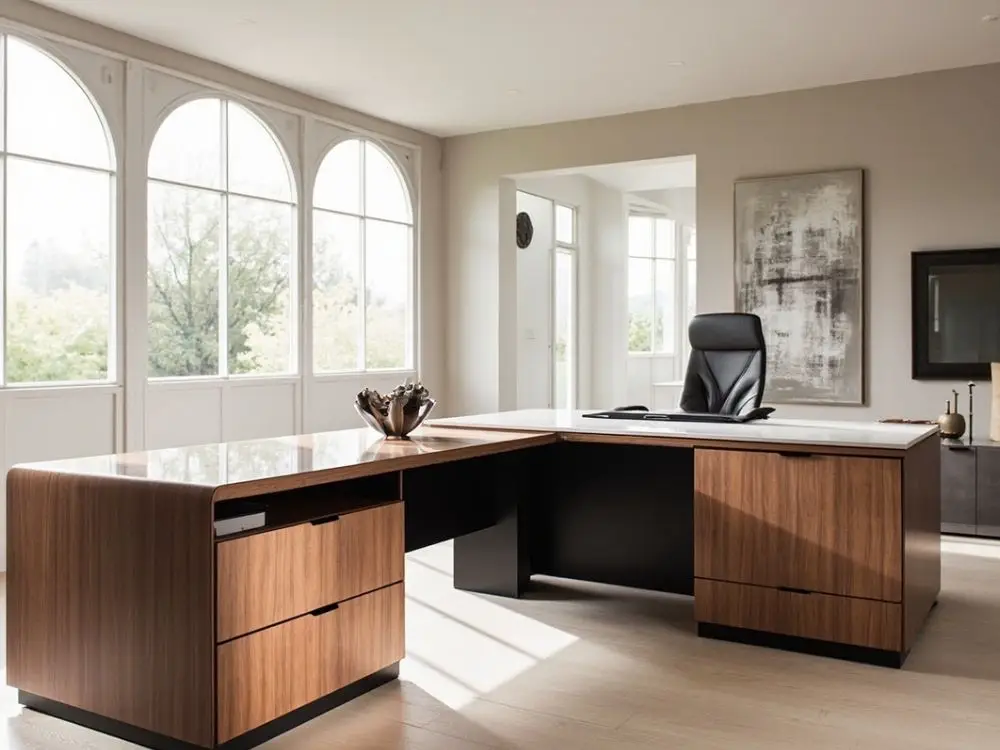
An L-shaped desk gives you 2 surfaces in one. This layout helps spread out your gear on one side where you can keep your laptop space on the other. It feels like having two mini shared offices without needing extra rooms. Plus, you can swivel between tasks without that awkward reaching across your desk situation.
8. The Ergonomic Chair Priority Layout
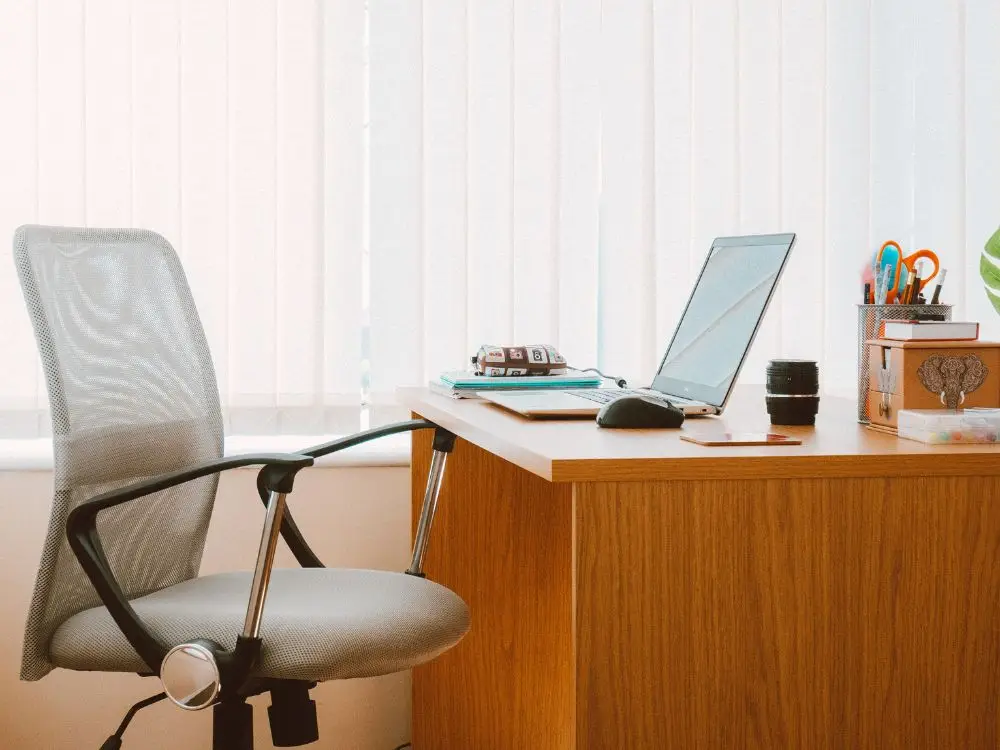
Instead of obsessing over the desk decor, you design your layout around a supportive chair. You angle it at the right distance from your screen and keep essentials within arm’s reach. Your back will thank you daily. Honestly, a good chair matters way more than a fancy desk when you're sitting there for eight hours straight.
Small Space & Apartment Friendly Layouts
These home office layouts make the most of cramped corners and tight rooms. You fit a functional office anywhere without turning your home into a messy tech cave.
9. The Corner Desk Design
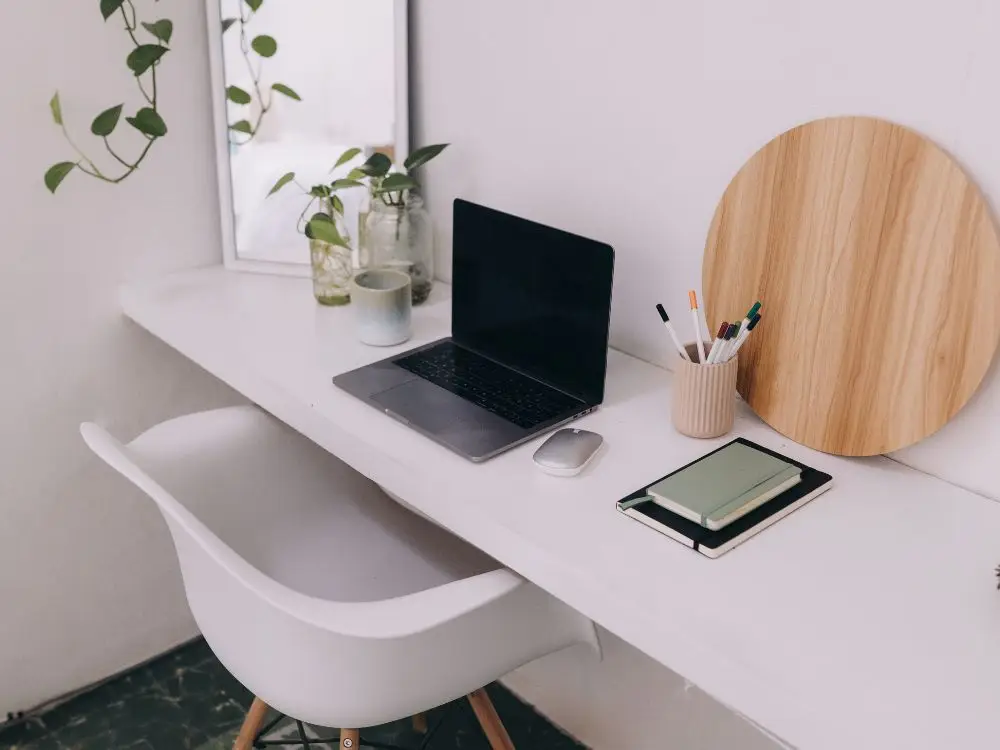
You push a compact desk into a corner and instantly create a cozy workspace. Corners always feel private, which boosts focus more than you’d expect. This smart move is suitable if you're short on space because you're using an area that usually just sits empty anyway.
10. The Fold Away Desk
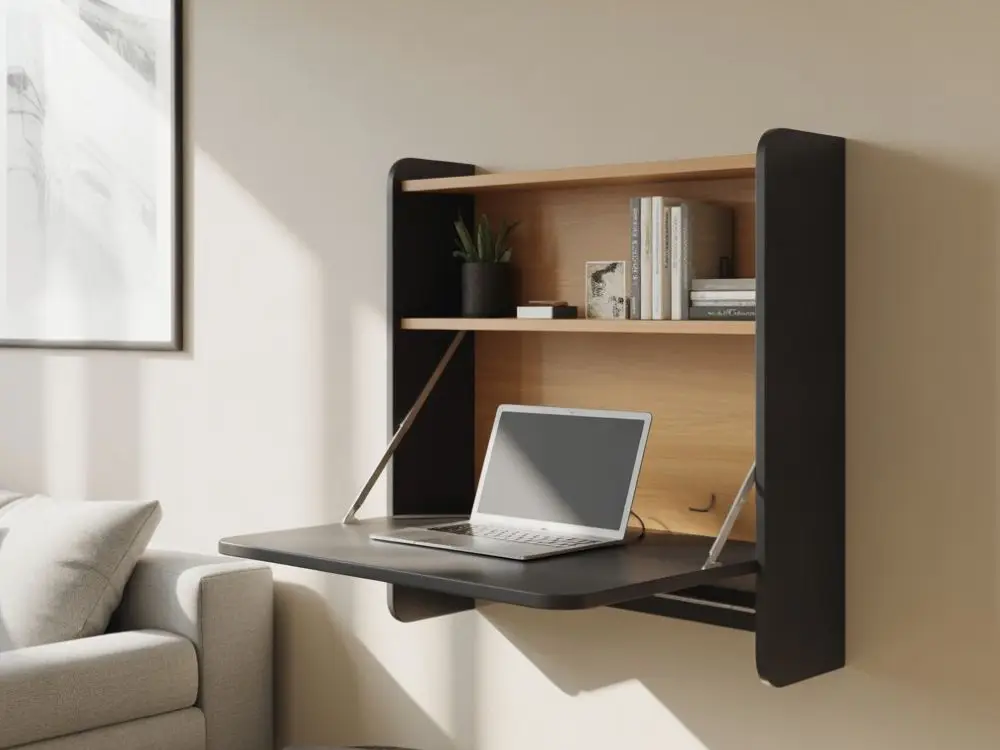
You use a wall mounted fold-down desk that disappears when you finish work. This setup saves space like magic and keeps your living area looking normal.
Best for:
- Studio apartments
- Multi-use rooms
- People who love tidy vibes
11. The Window Facing Setup
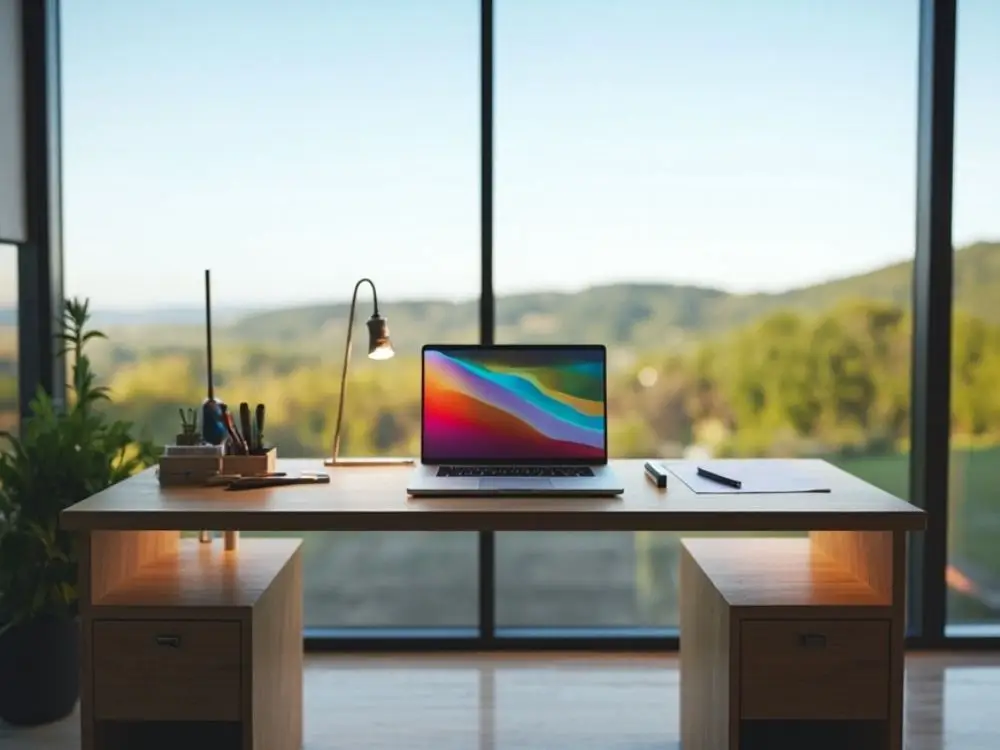
You position your desk directly in front of a window. This particular setup makes tiny rooms feel open and fresh. Moreover, natural light keeps you energized and the outside view helps your brain reset between tasks.
12. The Bookshelf Desk Combo
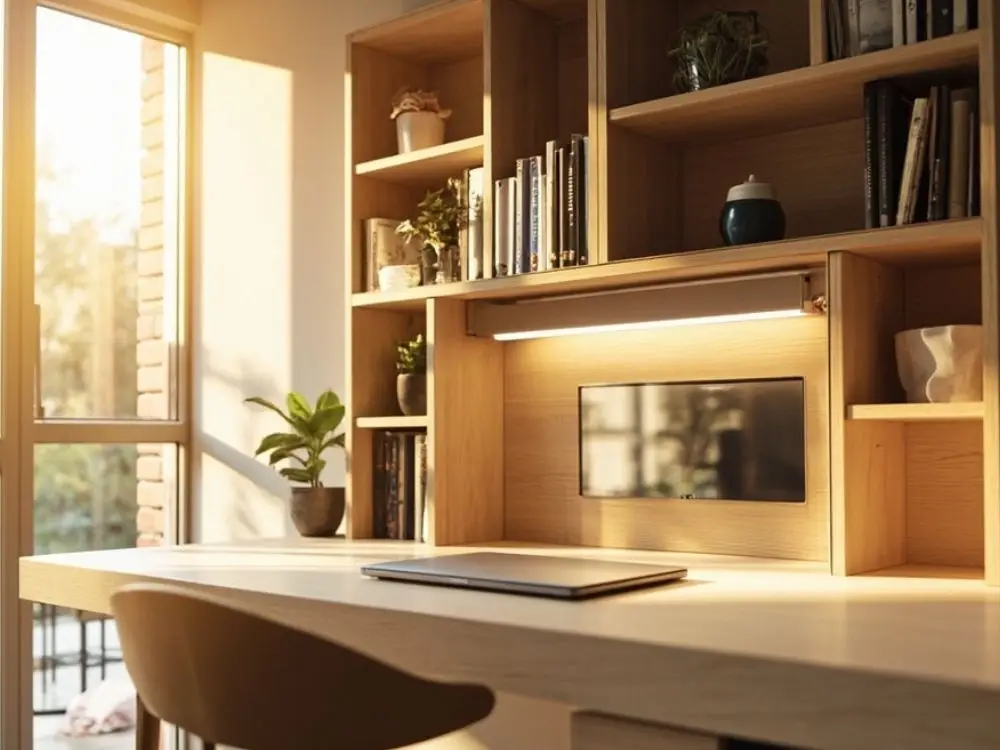
You attach a slim desk surface to a bookshelf to create a built-in mini office. It perfectly fits into tight rooms and stays organized, which looks way more intentional than it sounds.
Creative & Personality Filled Layouts
These layouts add flair and comfort that have personal touches so your office feels inspiring instead of generic. You bring your personality into the room and work happily every day.
13. The Gallery Wall Workspace
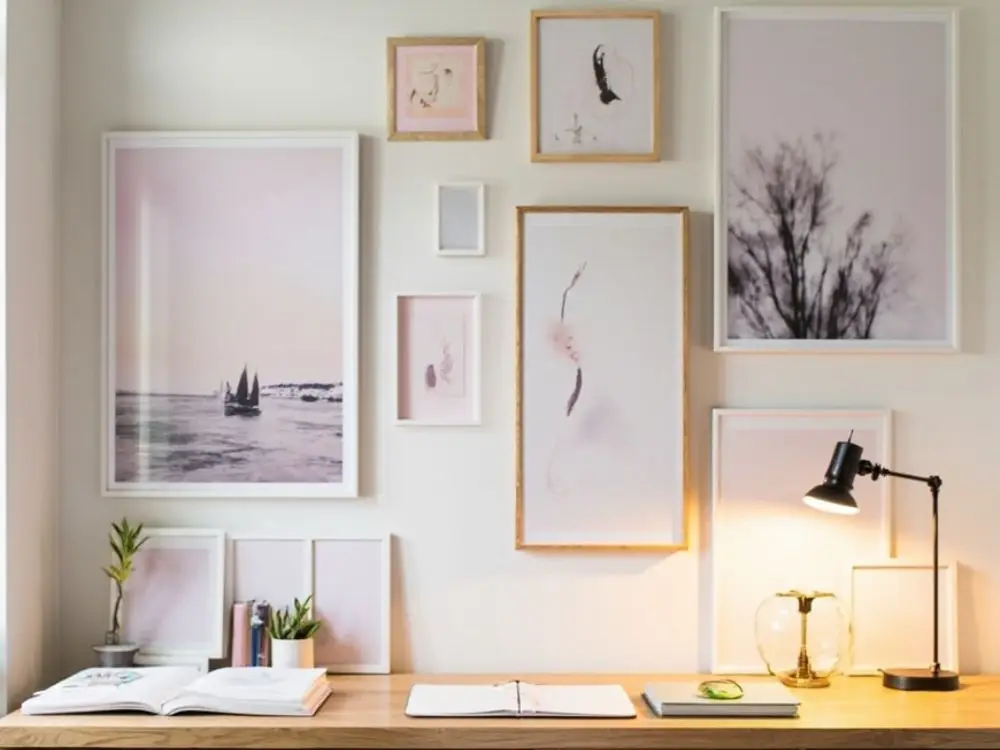
You place your desk beneath a gallery wall that is filled with art or photos you love. It helps boost your mood every time you look up, which definitely helps on stressful days. It also makes your background look pretty good on video calls without trying too hard.
14. The Cozy Studio Desk Layout
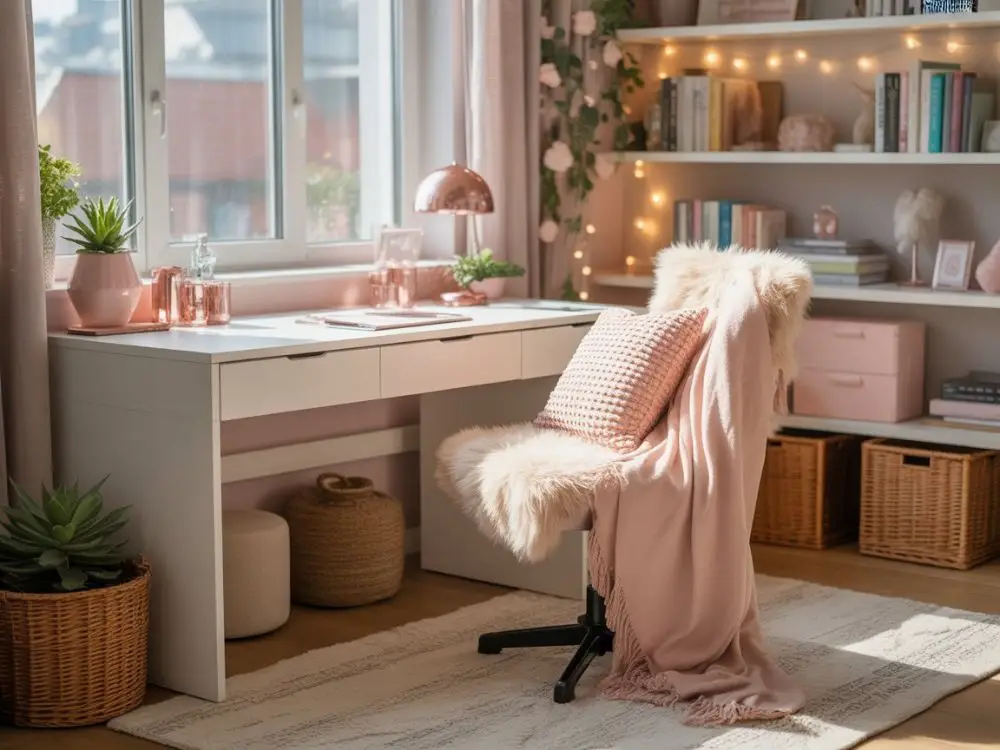
You add warm lighting, soft textures, and maybe a comfy throw to make work feel relaxing. It turns your office into a calm zone instead of a stress chamber.
15. The Bold Color Desk Setup
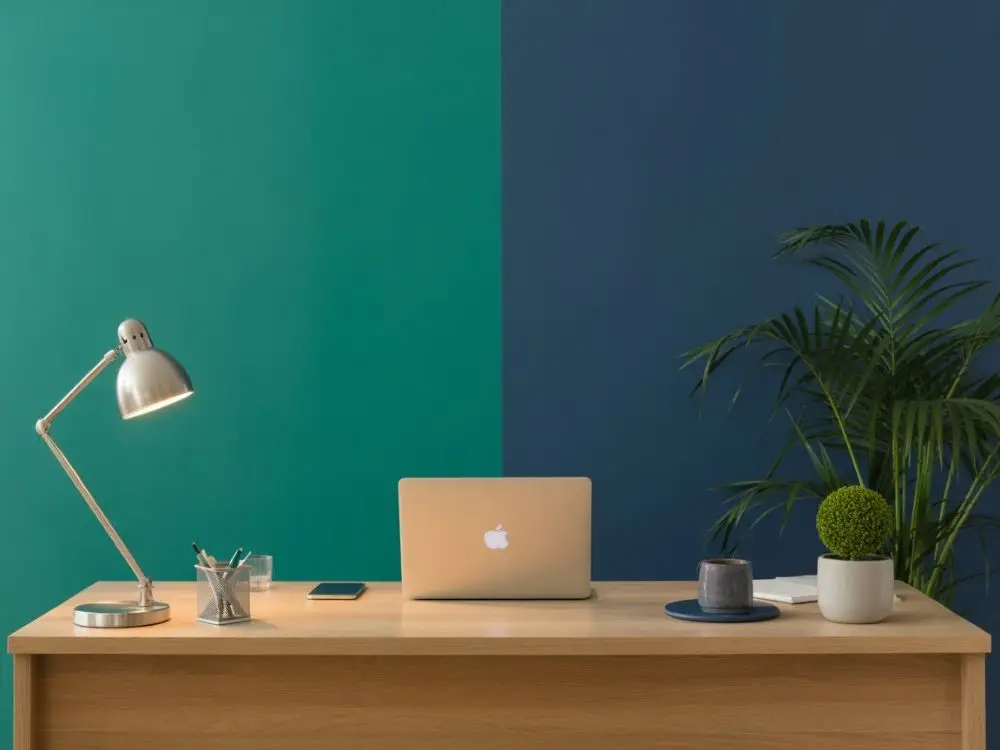
You paint one wall behind your desk a dramatic color to energize the space. Bold colors make the room stand out and spark creativity fast.
Popular choices:
- Deep green
- Navy blue
- Terracotta
16. The Hobby Integrated Workspace
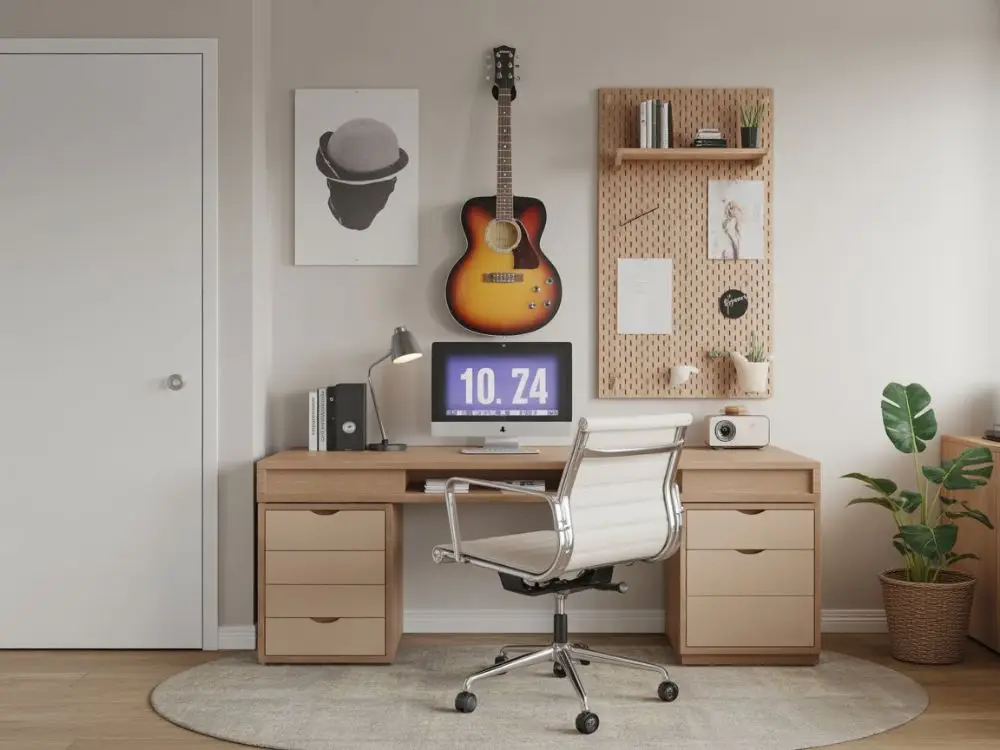
You design your layout with your favorite hobbies so your office feels uniquely yours. Maybe you hang guitars, store craft supplies, keep a fish tank, or place a small keyboard beside your desk. This layout is functional and fun at the same time.
Multi Purpose & Flexible Layouts
These remote work setups adapt to hybrid lifestyles, shared rooms, or rotating needs. You shift your workspace easily without sacrificing comfort or aesthetics. Let's see some ideas:
17. The Guest Room Office
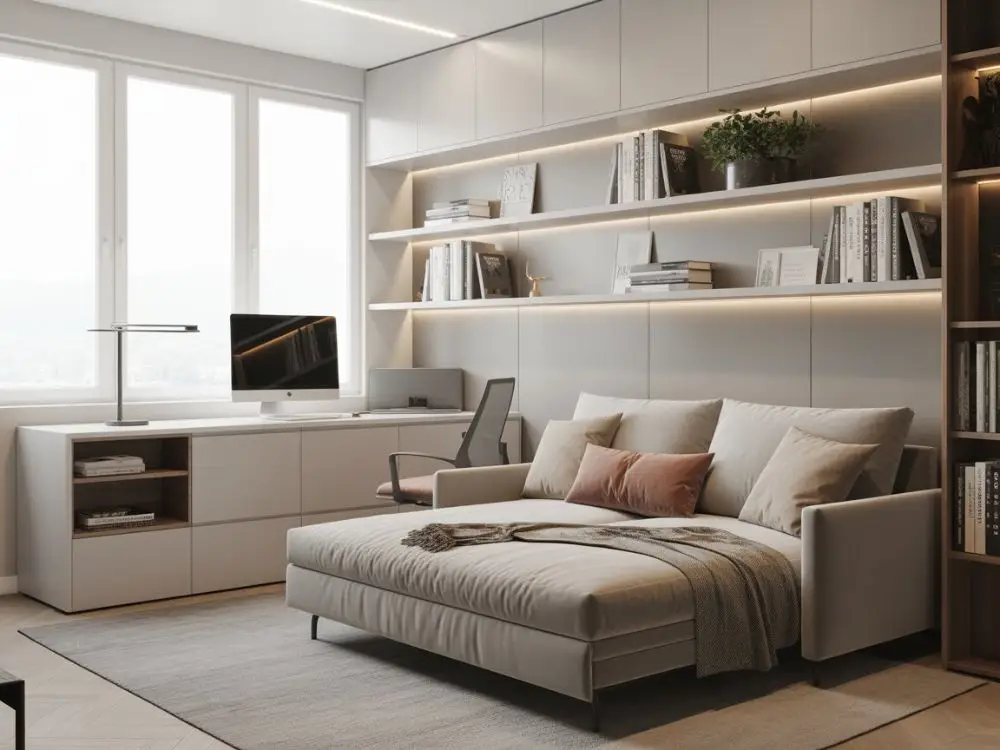
You convert a guest room into a dual-purpose workspace. A sleek desk sits on one side while a foldable bed or sofa bed stays ready for visitors. The room stays practical every day without losing its original purpose.
18. The Living Room Corner Setup
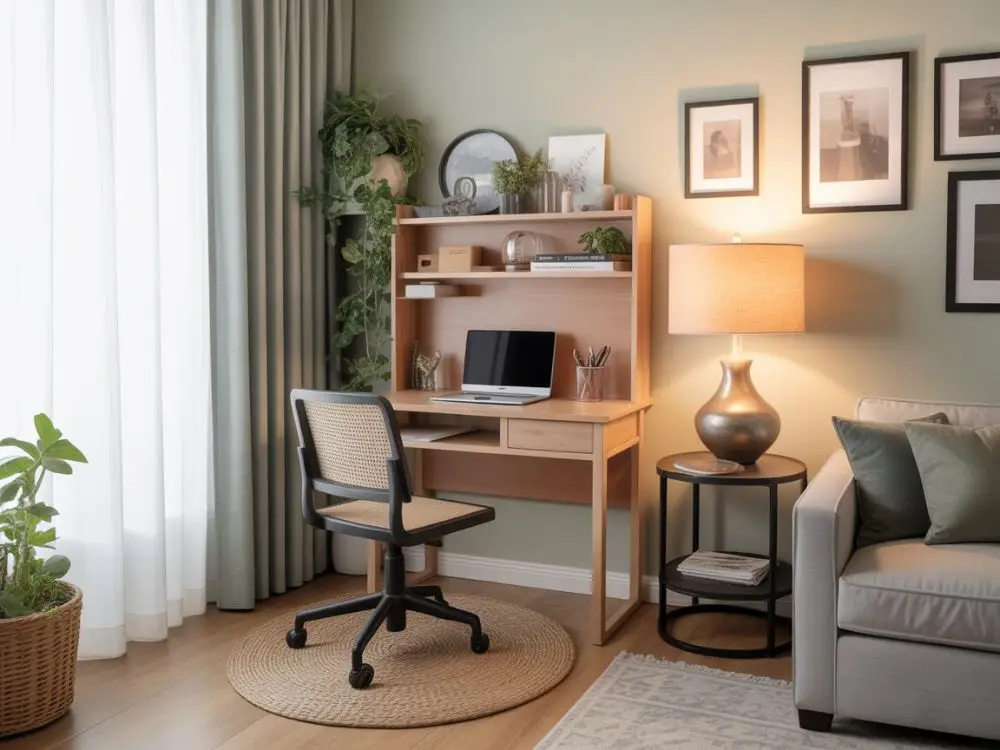
This layout requires a small corner in your living room equipped with a sleek/compact desk and organizers. You have to declutter the space properly so it blends well with your decor instead of taking over your whole home.
19. The Couch Side Work Zone
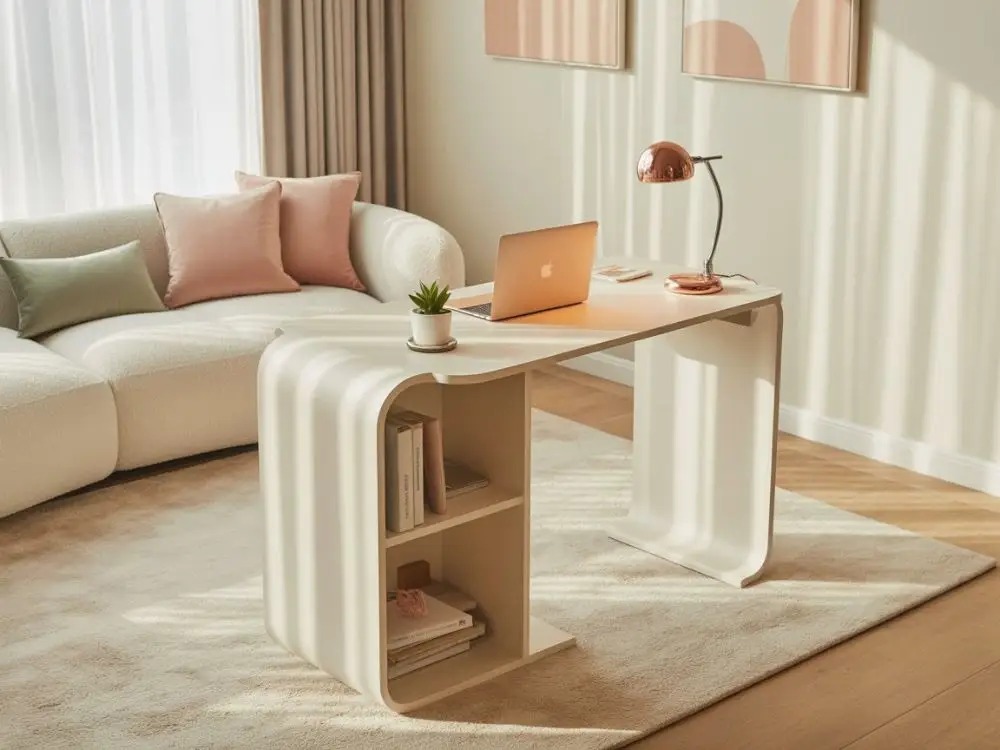
You place a C-shaped table or narrow desk beside your couch. It gives you a comfortable sitting spot without turning your living room into a chaotic office jungle. It's perfect for lighter work days when sitting in a stiff chair feels terrible.
20. The Mobile Office Cart Layout
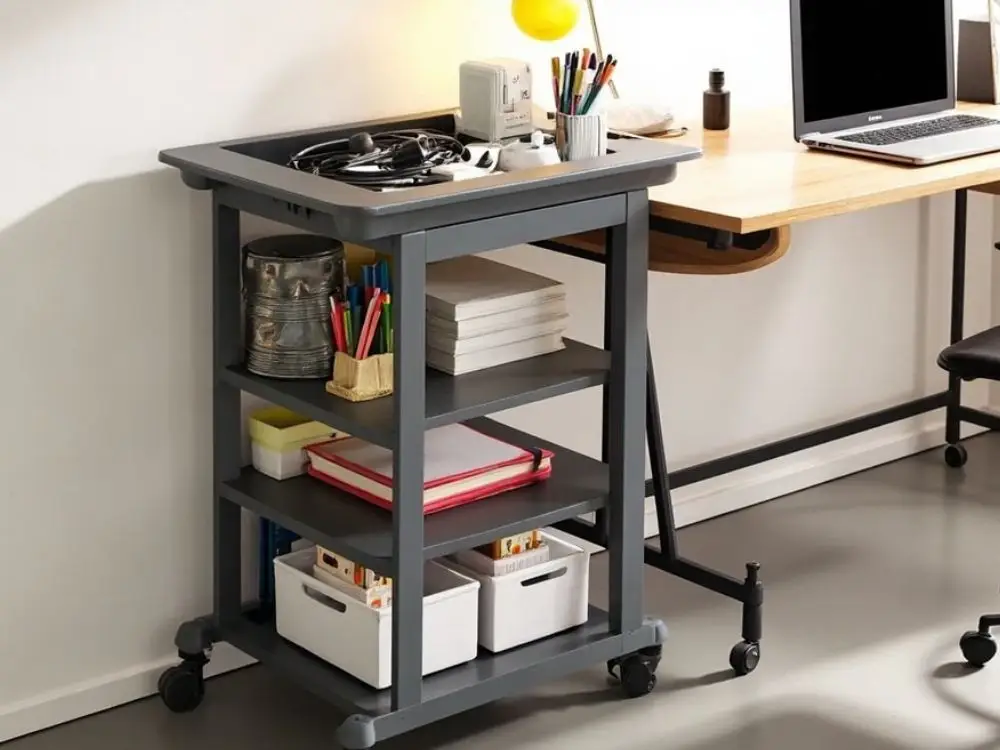
You keep essential tools on a rolling cart that slides beside any desk or table. It helps you move your workspace around easily when the vibe changes or sunlight shifts.
Useful for storing:
- Tech accessories
- Notebooks
- Chargers
- Snacks (let’s be real)
Tech Forward & Modern Layouts
These layouts need smart gadgets and clean cable management to create a sleek, futuristic workspace. You work faster and look extremely put together doing it.
21. The LED Lit Setup
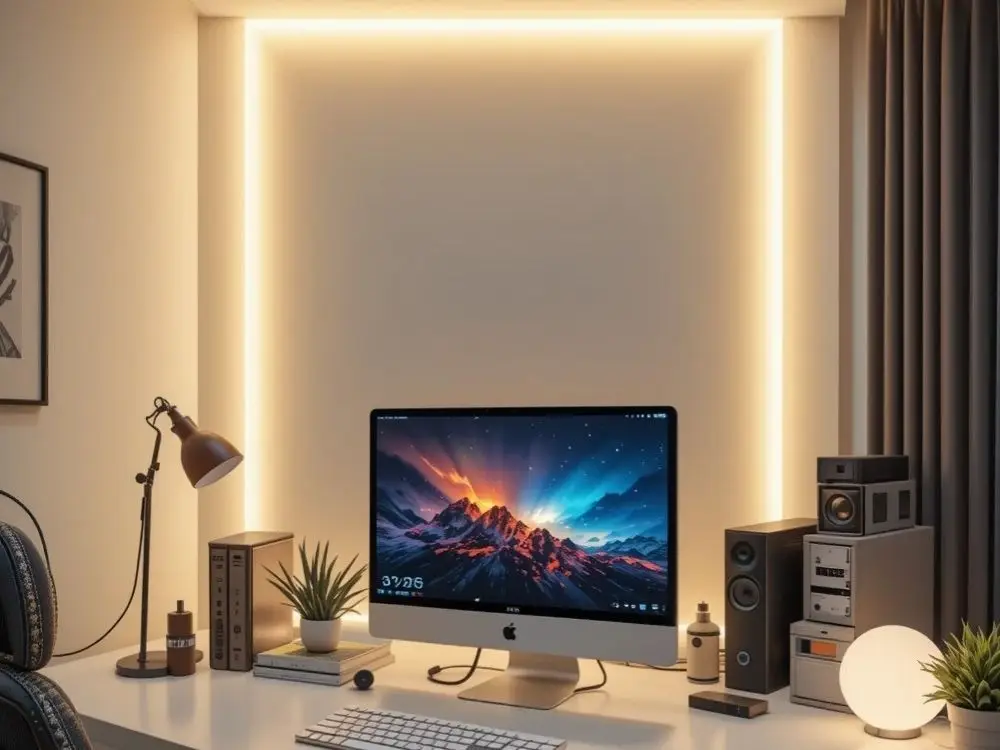
You add ambient LED lighting behind your monitor or desk. It creates a modern glow and reduces eye strain during long work hours.
22. The Ultra Clean Cable Free Layout
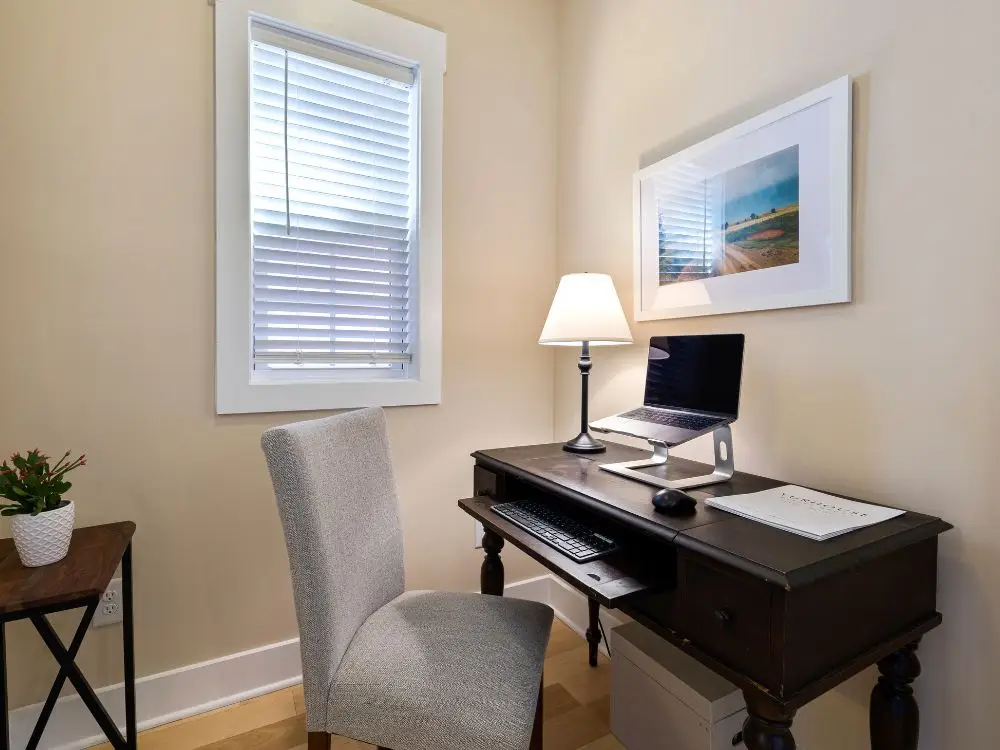
You hide wires using sleeves and clips or use under-desk organizers. This particular setup can make your workspace look professional instantly and keep your brain from feeling cluttered. Seriously, messy cables are more distracting than you think until you finally deal with them.
23. The Smart Device Command Station
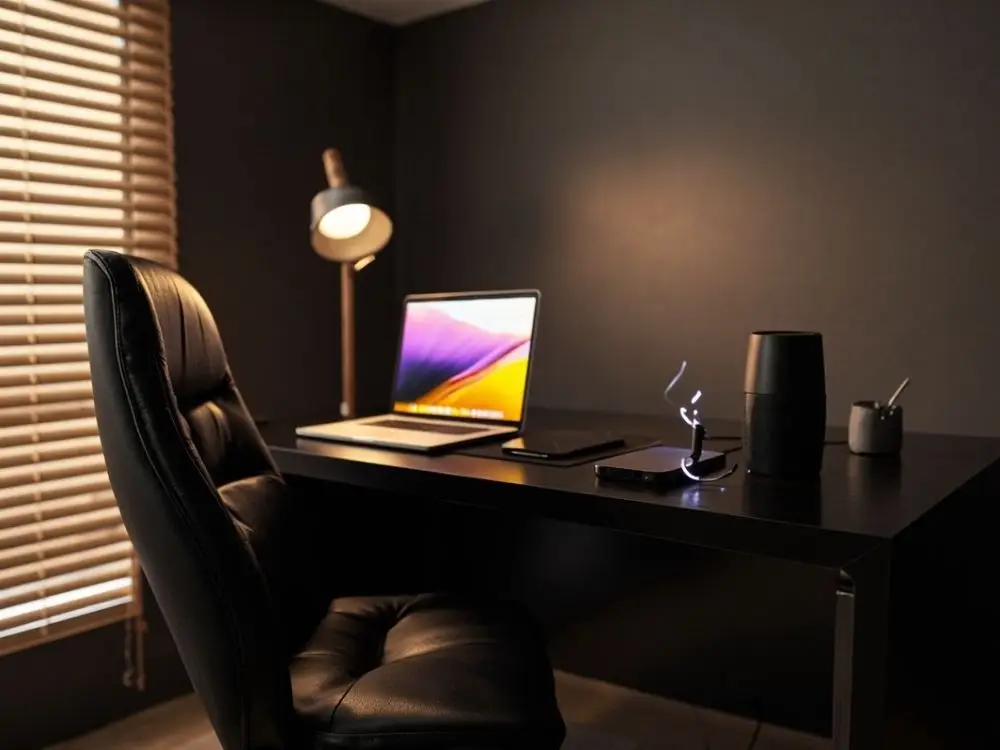
You integrate smart speakers, wireless chargers, automation tools, and something similar around your desk. This setup feels like operating a mini command center.
Helpful additions:
- Wireless keyboard
- Smart lamp
- Bluetooth speakers
24. The Multi Screen Creative Layout
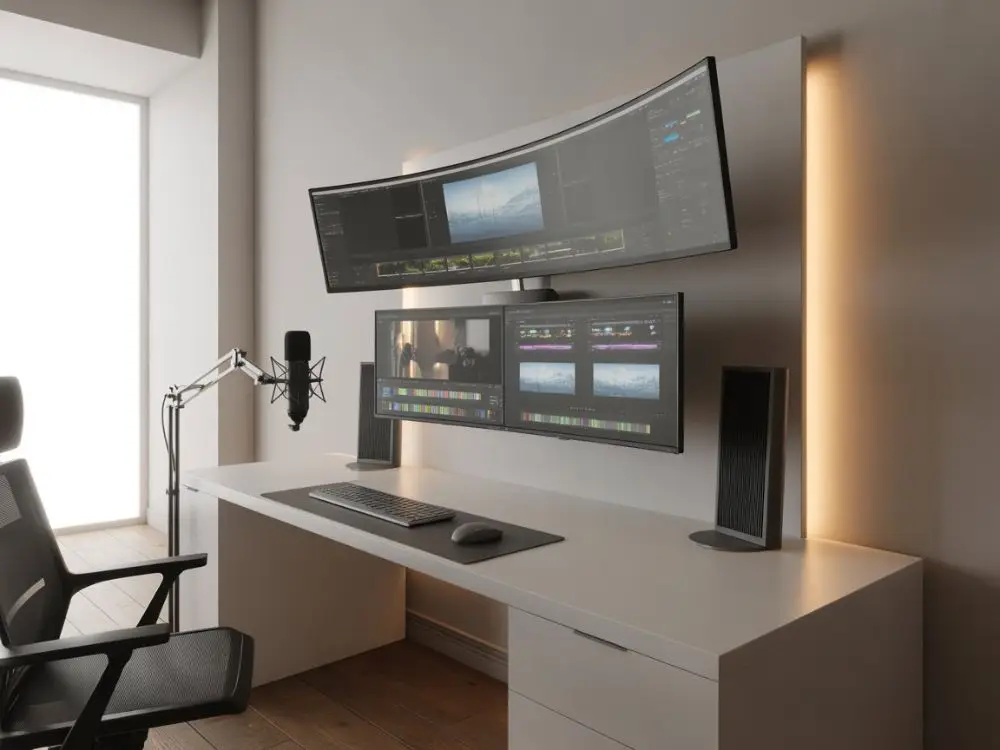
You arrange ultra-wide monitors or stacked screens for design or editing work. It gives you room to multitask without constantly switching tabs like a frantic squirrel.
Common Home Office Layout Mistakes to Avoid
I've made plenty of these mistakes myself, which you should avoid too. Small layout errors can make your workday into a frustrating mess without you even realizing why.
Watch out for the following things:
- Facing a blank wall can damage creativity and make you feel trapped. At least hang something interesting like a motivational quote to look at when your brain needs a break.
- Ignoring natural light means you'll end up tired and squinting all day. Windows exist for a reason, so use them.
- Positioning your desk in high-traffic areas lets constant interruptions destroy focus. You need a spot where people aren't walking past you every five minutes.
- Skipping proper lighting leaves you with overhead lights that create weird shadows on video calls. A simple desk lamp fixes this faster than you think.
- Cramming too much furniture makes your office start feeling like a storage unit. Less stuff actually helps you think clearer and move around easier.
- Forgetting about outlets and cable reach means extension cords running across your floor like trip wires. Plan where your tech goes before you commit to a layout.
- Choosing style over comfort gives you a trendy chair that looks great but makes your back hate you after week one. Function beats Instagram appeal every single time.
Wrapping Up
A great home office layout for your remote work setup is absolutely essential. It makes your day way smoother and easier. Try a few or one of these 24 layout ideas that fit your personality. Plus, create a workspace that supports your remote life instead of stressing you out.
FAQs
Q1: How to measure your office space before you start?
First, measure the length and width of your office area, and then check the outlets and windows' position. Make a clear note of any odd corners or tight spaces before you buy furniture so that nothing will block the doorways.
Q2: How to choose the right home office layout for your space?
Match your layout to your actual work style and room size. This is important and if you're cramped, just go for minimal or corner setups. Need focus? Pick ergonomic or quiet layouts that keep distractions away.
Explore Related Posts
https://smarttoolsai.com/post/vision-board-ideas
https://smarttoolsai.com/post/remote-employee-engagement-ideas