
24 Work From Home Essentials Every Remote Work Professional Needs to Stay Productive
.webp)
Have you ever sat down to work from home and instantly realized you forgot literally everything you need to function? I admit it because I've been through that more often than I'd like to admit.
Working from home is awesome but only when you have the right setup. Without it, you are gonna deal with distractions, uncomfortable chairs, odd lighting, and a laptop that makes a noise like it's going to take off any moment.
So, I made a list of 24 work from home essentials that help you be productive, keep your sanity, and make you slightly less caffeinated.
Key Takeaways
- Learn about 24 work from home essentials across six categories that boost productivity and comfort.
- Get practical tips for maintaining your remote work gear so it lasts longer.
- Find out how the right setup transforms your workday from frustrating to actually enjoyable.
Workspace Setup Essentials
Your workspace is the foundation of everything. If you have to deal with discomfort or confusion in your working area, productivity will suffer.
The right equipment is a must in creating the physical setup that is conducive to your brain's focus. What should you consider under this?
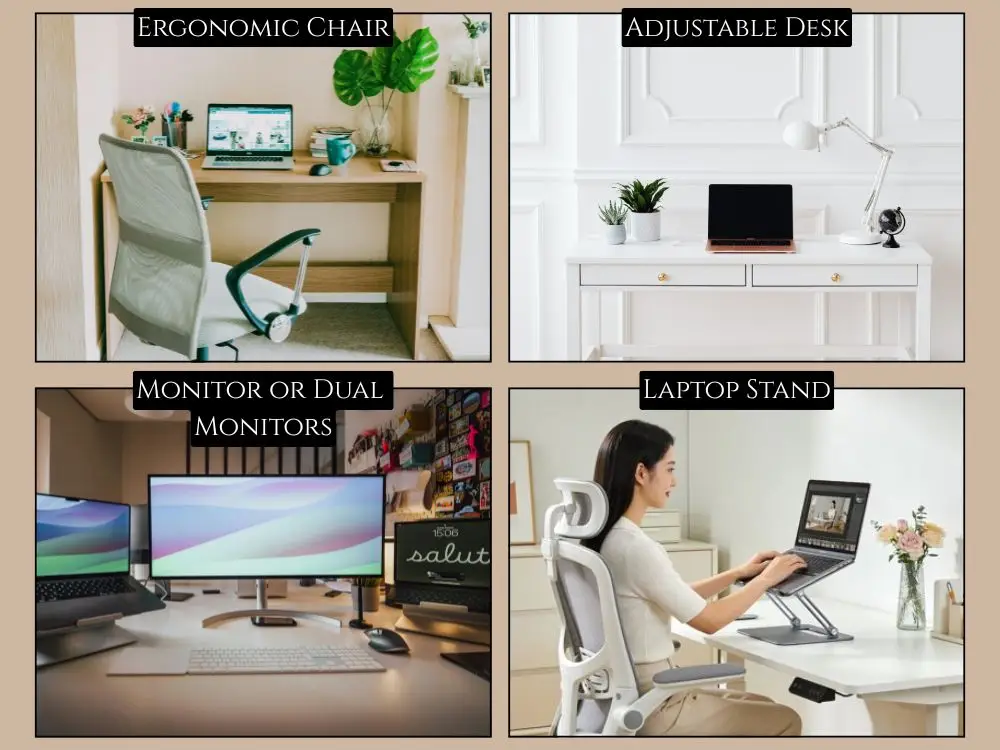
1. Ergonomic Chair
You need an ergonomic chair that loves your spine more than your mattress does. It really supports your back while maintaining good posture during long work sessions. This is absolutely important to avoid work-related ergonomic risks.
2. Adjustable Desk
Everyone loves height-adjustable desks because they give the user a chance to alter the position of the body every time the brain gets fatigued. Sitting all day drains your energy.
Standing resets your focus instantly and your body will thank you. You don't need anything fancy to start. Even a basic manual crank office desk works wonders when afternoon fatigue hits.
3. Monitor or Dual Monitors
Upgrading your tiny laptop screen to a monitor or dual monitors helps increase your productivity. The added workspace allows you to think and work more effectively.
No more serious squinting at spreadsheets as if you are trying to decipher hieroglyphics. Look for at least a 24-inch monitor and adjustable tilt.
4. Laptop Stand
A laptop stand keeps your screen at eye level. This is important to keep your posture correct and help prevent you from wrecking your neck. Plus, it makes your workspace look professional.
Pair it with an external keyboard and mouse, and you've got a setup that doesn't feel like a compromise.
Tech & Productivity Tools
The right tech makes work easier. It removes frustration and keeps you from wanting to throw your laptop out of the window. Such tools aren't considered to be luxuries anymore.
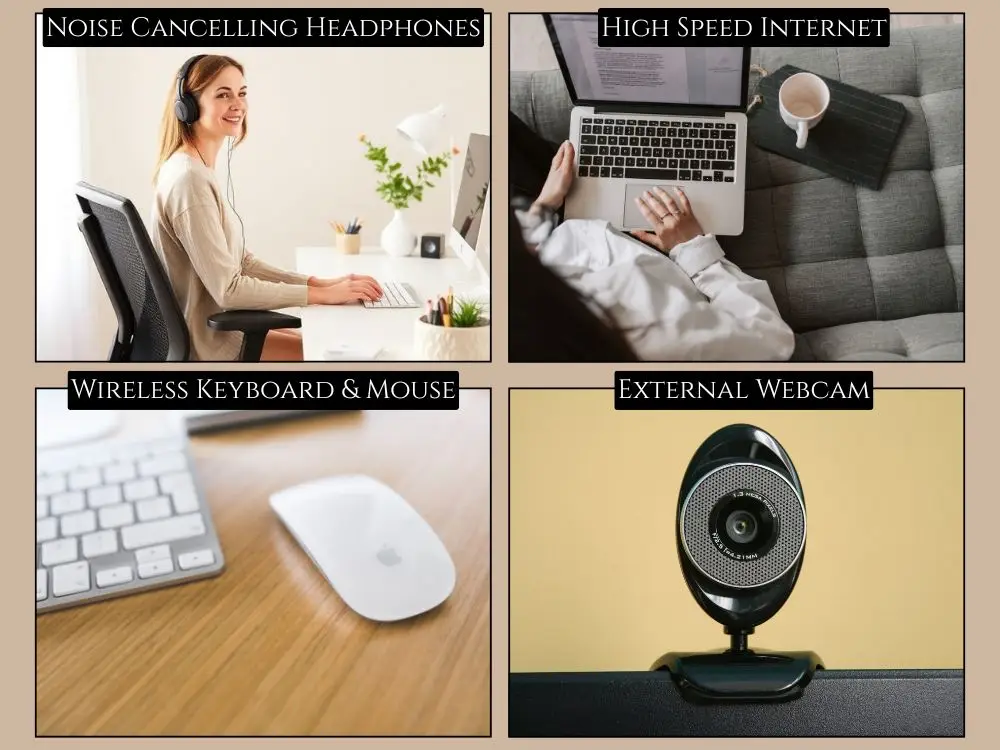
5. Noise-Cancelling Headphones
Noise-cancelling headphones can be an absolute requirement, especially if your neighbours have as much love for lawn care equipment as mine do.
When working from home, focus is the key and noise-cancelling headphones are great for reducing unwanted sound.
6. High Speed Internet
Spotty WiFi ruins remote work faster than anything else. Low internet speed makes you irritated and it impacts work productivity.
Therefore, you need a reliable high-speed internet connection that makes everything smooth to do your work perfectly.
7. Wireless Keyboard and Mouse
They offer the freedom to set up your home office exactly how you like it. It reduces cable clutter and has no awkward angles. Just smooth working and you can adjust positioning throughout the day without dealing with tangled cables.
8. External Webcam
If your laptop camera makes you look like you live in a cave, an external webcam saves your professional dignity. Clear video makes a big difference.
You'll look good on team video calls or in virtual team building activities. Most external webcams offer better low-light performance and autofocus than built-in options.
Organization & Workflow Helpers
Clutter isn't good and you'll lose focus faster than you think when your desk looks messy. These tools for home office organization are great to help you stay on top of tasks:
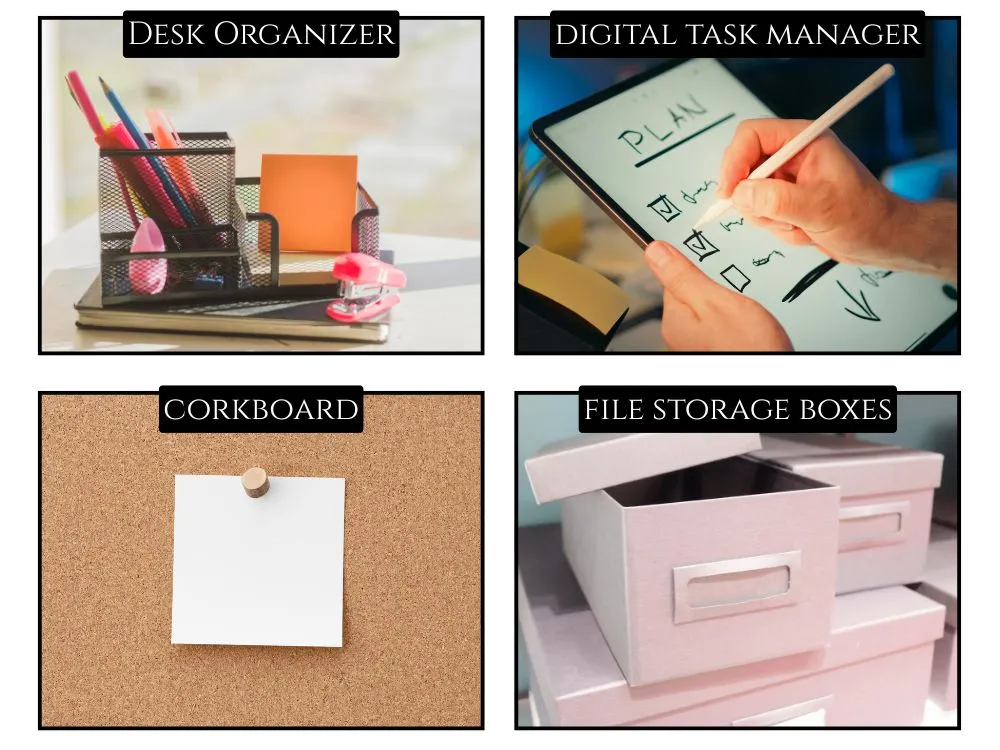
9. Desk Organizer
Having relevant spots for your office supplies means you aren't constantly hunting for things. You always stay productive when your space is clean without messy cables and sticky notes. A good desk organizer keeps everything tidy so your brain stays calm.
10. Planner or Digital Task Manager
I swear by planners and task apps because they stop you from forgetting what you swore you’d do yesterday. Ever wonder why tasks vanish from your brain?
Same reason socks vanish in the dryer. If you prefer writing things down, using apps like Notion helps beat juggling twelve random lists.
11. Whiteboard or Corkboard
A whiteboard helps you map out ideas quickly. On the other hand, a corkboard helps you pin reminders and goals. Both make you feel like you actually have your life together.
They're perfect for visualizing projects or keeping important deadlines visible. Check this guide on vision board ideas for more details.
12. File Storage Boxes
They are useful for collecting documents. Storage boxes keep them from spreading across your workspace like glitter after a craft session.
Tax documents, contracts, receipts, and random papers all need a home that you're scared to throw away.
Comfort & Wellness Essentials
Your home office experience should be a comfortable place. This is important for you to focus without being physically miserable by lunchtime. Let's see some essentials to consider:
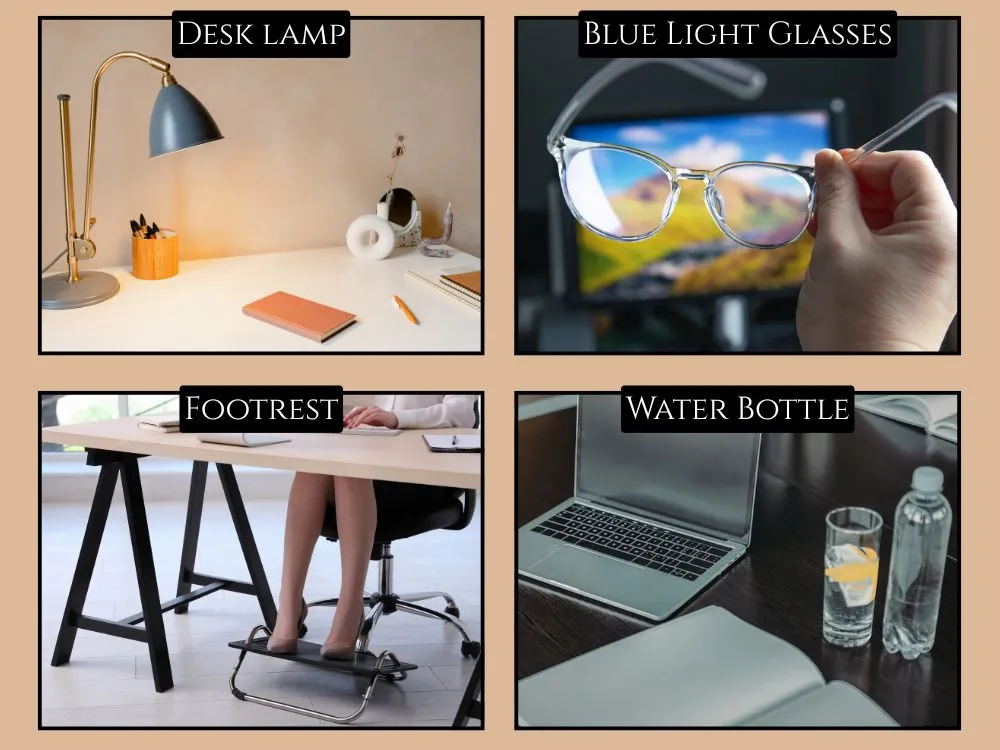
13. Desk Lamp with Warm Light
Good lighting keeps your eyes healthy. Warm desk lamps are good for comforting and they help make your home office feel welcoming.
They're also good to use with task lighting on the office wall to get adequate illumination. Plus, avoid lights that create glare directly on a computer screen.
14. Blue Light Glasses
Staring at a computer screen all day long can hurt. They cause computer headaches and eye defects over a prolonged period. That's why you need blue light glasses to protect or block harsh lights that can strain your eyes.
15. Footrest
A footrest sounds like an extra thing. But it changes everything. It helps your back relax. Your legs get proper support. You stop fidgeting like you're on a sugar rush. Proper foot positioning improves blood circulation and takes pressure off your lower back.
16. Water Bottle
Staying hydrated is necessary when working. Insufficient water intake can cause fatigue and drain your energy levels. You may think this is just caused by workplace stress or exhaustion. So, always keep a water bottle and drink enough to keep you energized.
Communication & Collaboration Gear
Remote work needs perfect communication and collaboration tools. When you can't tap someone on the shoulder, your tech has to do the heavy lifting.
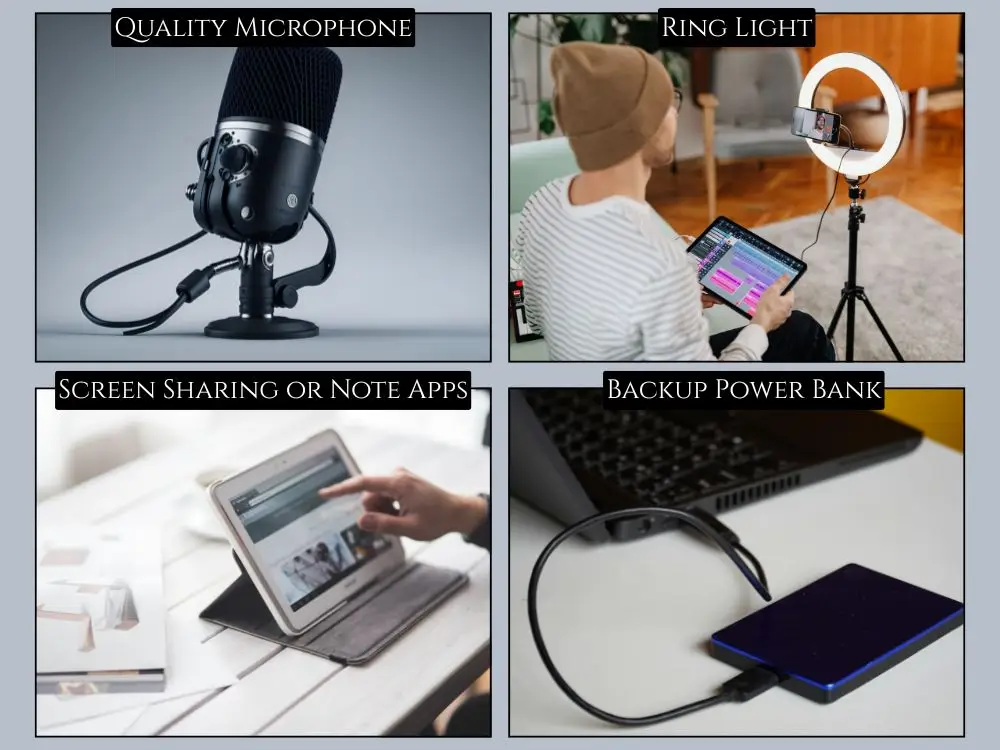
17. Quality Microphone
You need a good microphone so your team hears you clearly. No one wants to repeat themselves eight times or sound like they’re talking from underwater.
Built-in laptop mics pick up every keyboard click or fan whir. A dedicated USB microphone makes you sound professional.
18. Ring Light
A ring light gives you crisp, flattering lighting on calls. You look awake even when you stayed up too late. Total win.
Natural light goes away by 5 PM in winter, and overhead lighting causes shadows that make you look exhausted. A simple ring light clipped to your monitor fixes bad lighting instantly.
19. Screen Sharing or Note Apps
Tools like Miro, Loom, Notion, or something similar help you collaborate with your team without confusion. You brainstorm together and share ideas visually, which avoids the dreaded “Wait what?” moments.
Screen recordings replace long explanatory emails. Digital whiteboards let teams think together in real time.
20. Backup Power Bank
A portable charger saves you whenever your laptop or phone betrays you mid-shift. Unfortunately, it happens at the worst possible time.
You'll be three minutes into an important presentation when your battery icon turns red and mocks your life choices. Always keep a charged power bank nearby.
Personal Productivity Boosters
Productivity isn't just about tools and tech. It's also about managing your energy. It creates an environment that actually motivates you to show up every day.
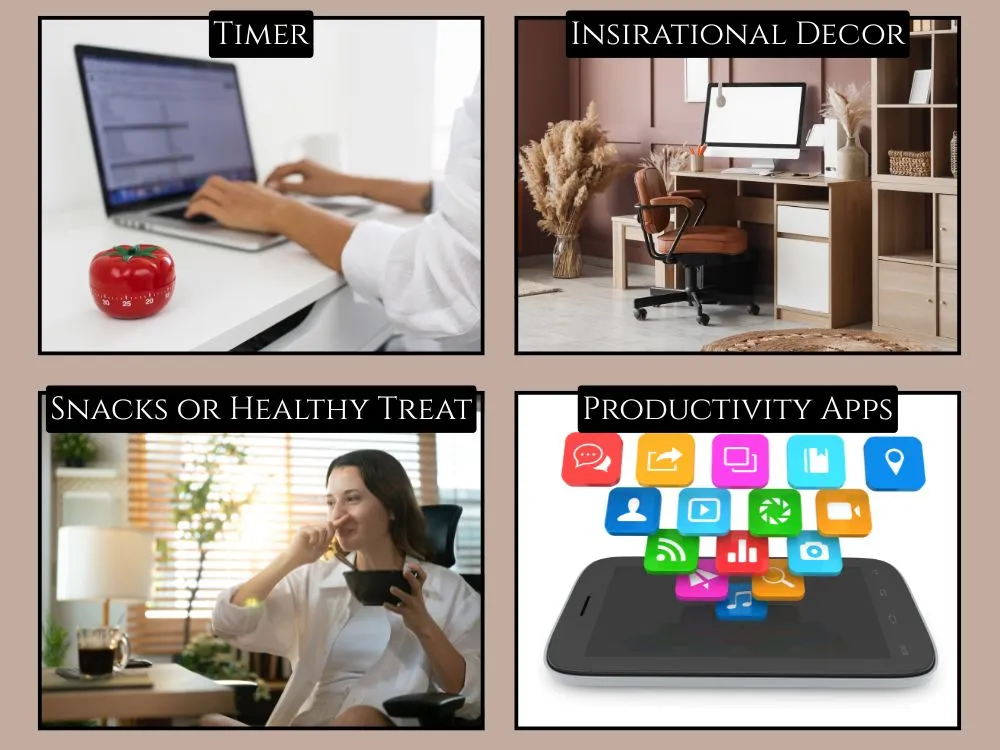
21. Timer for Focus Sessions
Utilizing a timer helps you remain organized and focused while working. They are absolutely useful when your mind begins to wander.
IMO, Pomodoro timers work best for this scenario. In just 25 minutes of concentrated effort, you'll be surprised at how much more productive you become.
22. Inspirational Decor
Decor isn’t fluff that makes your big or small home office space feel inviting. It quickly shifts your mood to work actively.
Add things that you feel best and make you happy. For example (photos, a small plant, motivational quotes, or artwork that inspires you).
23. Snacks or Healthy Treats
Those working from home have trouble with stress-related eating and also keeping track of what and when to eat. To maintain remote work engagement, snacks or healthy treats play a major part. Consider anything like fruits, chips, nuts, protein bars, candies, or whatever fuels you.
24. Productivity Apps
Many productivity-related apps like Todoist or Google Keep assist you in keeping your work productive. They help you keep your workflow organized and allow you to remember important tasks.
How to Maintain Your Work From Home Essentials
Your essentials perform better and have a longer lifespan when there is proper maintenance in place. Many people think it's unnecessary, but if you take a few minutes now for maintenance, you'll save yourself from expensive replacement costs.
Let's see the best ways to keep everything in perfect condition:
- Clean the keyboard and mouse monthly since crumbs and dust can damage electronic devices
- Wipe down your monitor screen weekly. Use a microfiber cloth without using your own cloth
- Adjust your chair every few months as screws loosen over time and mess up your support
- Update software regularly. Old apps slow everything down and create security risks
- Discard the old things that are no longer useful before they are completely useless. Don't wait until your chair collapses mid-meeting
Wrapping Up
I love building out a remote workspace because every upgrade makes workdays smoother. These 24 work-from-home essentials transform your setup from barely functional to actually enjoyable. You don’t need everything at once.
Start with what feels urgent and add things slowly. The right tools keep you focused and confident in your workflow.
FAQs
Q1: What's the most important work from home essential to buy first?
You have to buy an ergonomic chair first. It's most important because you'll be sitting for long work hours each day. A good chair can support your back and help prevent poor posture.
Q2: Do I really need all 24 essentials to work productively from home?
Not at all. You need just the basic things like a nice chair, desk, good internet connection and proper light at the beginning. After that, you can gradually add other items.
Explore Related Posts
https://smarttoolsai.com/post/home-office-ideas
https://smarttoolsai.com/post/5-ways-to-share-files-with-your-team-while-working-from-home