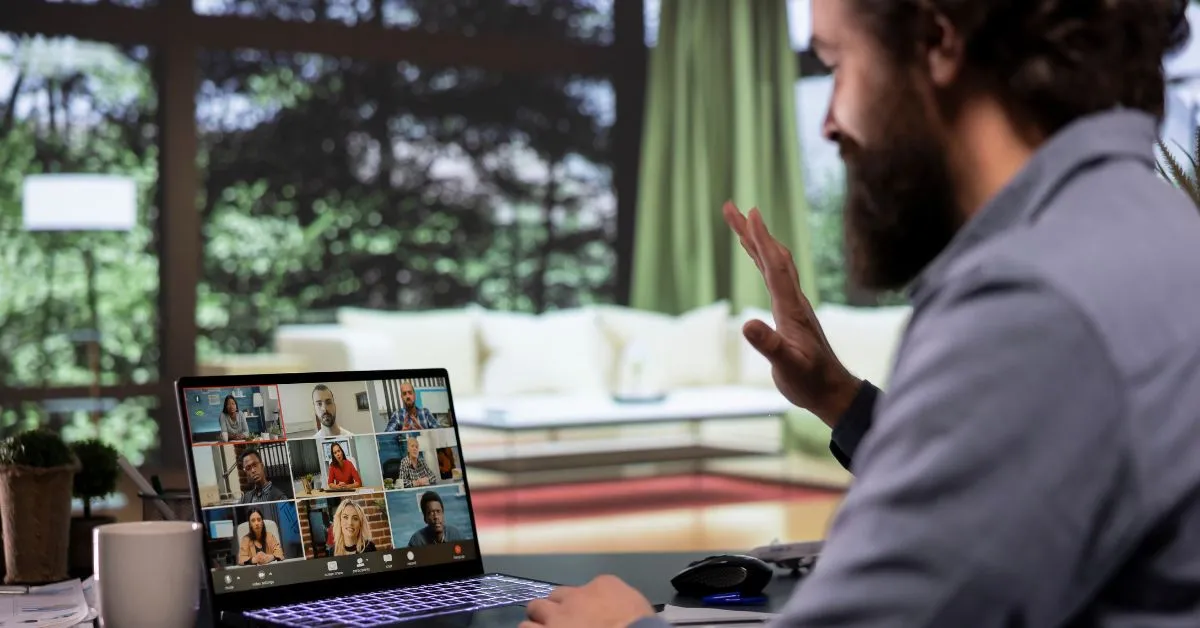
Virtual Meeting Etiquette: 12 Rules Every Remote Worker Should Know
.webp)
What should you really know when joining a virtual meeting? Is it about what you wear, your background noise, or something else entirely?
Remote meetings keep teams connected. But bad etiquette can make a useful video call into an embarrassing nightmare. I've experienced enough awkward silences and accidental unmuting moments to know what really works.
So let's talk about virtual meeting etiquette the real way. These 12 rules every remote worker should know to save time and protect their sanity.
Key Takeaways
- Learn 12 essential rules that make virtual meetings more professional
- See what recent data says about remote work and meeting behavior
- Clearly understand the responsibilities of both hosts and participants
- Avoid common virtual meeting mistakes and know improvement tips
- A simple checklist you can use before, during, and after every meeting
1. Show Up on Time Like You Mean It
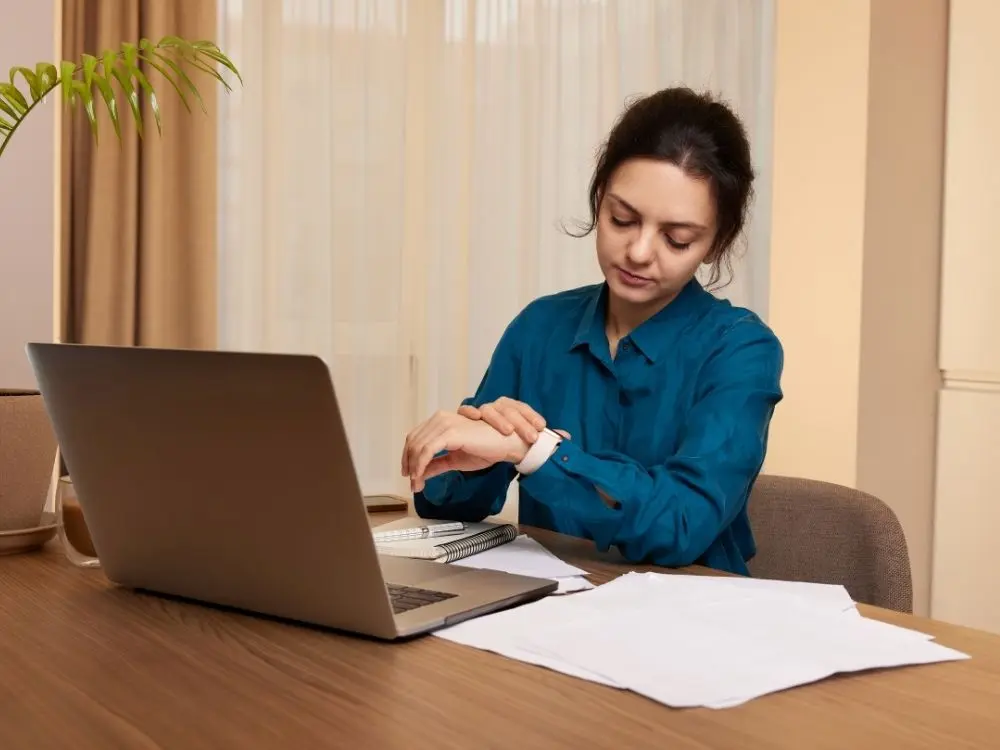
Logging in late sends a message even if you don't mean it to. Punctuality shows respect when meetings already fight for attention.
I always aim to join one or two minutes early. That tiny buffer helps me check audio, video, and my own composure. Being on time shows professionalism and commitment to the meeting.
It helps you fix tech issues without affecting the time of other participants. If there is a delay, simply send a quick message. A timely message helps make sure that the other meeting participants can keep things organized.
2. Mute Yourself When You’re Not Talking

This rule feels obvious, yet it causes the most chaos. Background noise steals focus faster than anything else.
Common noise culprits include:
- Keyboard typing
- Snack crunching
- Pets staging a protest
- Random household sounds
FYI, everyone notices even if no one says anything. Make muting a default habit. Hit that mute button the second you join. Unmute when you actually need to speak.
3. Turn Your Camera On When It Makes Sense

I support camera flexibility, but showing your face builds trust and connection. People communicate better when they see expressions and body language.
It makes conversations feel more natural in virtual meetings. TBH, you don’t need perfect lighting or a magazine-ready setup. You just need to look present.
Ever try speaking to a row of black screens? It feels like talking into the void. Turning your camera on, especially for smaller or important meetings, shows you're fully there and part of the conversation.
4. Dress Like You Respect the Meeting

You don’t need business formal, but pajamas don’t cut it either. Aim for a dress that is clean, comfortable, and at the same time camera-appropriate.
Good virtual meeting outfits:
- Solid colors
- Comfortable tops
- Neutral patterns
You’d be shocked at how confidence improves when you look slightly put together. It also saves you from that panic moment when someone asks you to turn your camera on unexpectedly.
5. Choose a Professional Background

Your home office background tells a story before you speak. A messy space distracts people, whether they admit it or not.
Easy background wins:
- Neutral wall decor
- Tidy bookshelf
- Simple virtual background
Do your best to avoid having patterns that are distracting or too many personal pictures that might cause people to ask questions.
6. Don’t Multitask Like No One Notices

Everyone notices. Every single time. When you type nonstop or look away constantly, engagement drops. I close extra tabs and silence notifications before meetings.
Multitasking might feel productive. However, it's disrespectful and obvious. Your eyes wandering or the clicking sounds give you away instantly. If the meeting truly needs your full attention, be in it completely.
7. Speak Clearly and Don’t Interrupt

Virtual meetings lag. That tiny delay causes accidental interruptions if you rush in. I pause for a second before speaking and listen fully before responding.
Clear communication always saves everyone from awkward overlaps and repeated sentences. Articulate your words and keep a steady pace when you want to speak.
Mumbling or rushing makes people ask you to repeat yourself that wastes time. If you accidentally interrupt someone, a quick apology and letting them continue work best.
8. Use the Chat Feature Wisely
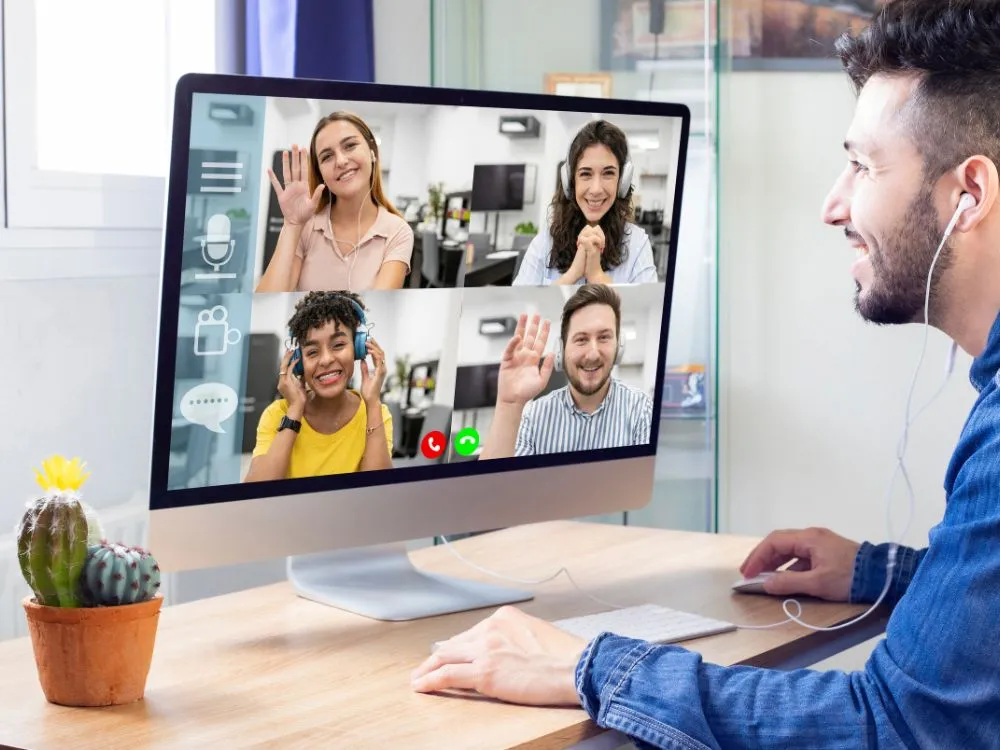
Chat helps meetings flow when used correctly. It derails them when abused. The chat box is perfect for sharing resources without interrupting the speaker or asking a question that doesn't need immediate attention.
Use chat for:
- Quick questions
- Clarifications
- Helpful links
Avoid side conversations unless the meeting allows it. IMO, chat should support the meeting, not hijack it.
9. Stay Engaged Even When You’re Not Talking

Engagement shows in small ways. Nods, brief responses, or reactions make a significant difference. This doesn't necessarily mean that you need to perform.
Just stay mentally present. Ever notice how meetings feel better when people visibly react? That energy spreads fast. A simple nod or thumbs up tells the speaker that you're following along.
Use reaction buttons if your platform has them. Even maintaining eye contact with the camera instead of staring blankly at your second monitor helps.
10. Keep Meetings Purpose-Driven

This one applies to hosts and participants.
Good meetings include:
- Clear agenda
- Defined goals
- Time limits
- Action items assigned
- Follow-up plan established
I always ask myself, “What necessary changes are needed after this meeting?” If nothing changes, it should’ve been avoided in the first place.
11. Respect Time Like It’s Currency

Time is a valuable thing you can't give back once it's taken. If you schedule your meeting for 30 minutes, wrap it up in 30 minutes sharp or less. If you run it long, it'll drain staff motivation. Ending on time feels like a gift.
IMO, I plan my points ahead and avoid rambling. People appreciate efficiency more than endless explanations. Don't hold people hostage with unnecessary updates or repetitive discussions.
12. End with Clear Next Steps

Meetings without follow-ups feel unfinished. Clear action items turn talk into progress. I love ending meetings knowing exactly what happens next.
Strong wrap-ups include:
- Who owns what
- Deadlines
- Next check-in
A clear ending prevents confusion and unnecessary follow-up calls. Before everyone leaves, quickly recap decisions made and tasks assigned.
What the Data Says About Virtual Meeting Behavior
The numbers tell an interesting story. According to Microsoft's Work Trend Index, 57% of meetings occur without a calendar invitation. Plus, large meetings with 65 or more attendees are growing faster than any other type.
Meanwhile, according to Owl Labs, 51% of all employees would allow an AI-generated Avatar to replace them at corporate meetings. The study illustrates the extent of employee dissatisfaction with extended video call sessions and the demand for alternatives.
Microsoft also revealed that meetings take precedence over the most productive hours of the workday, which are between 9-11 am and 1-3 pm. Given that more than one-third of virtual meetings currently take place across multiple time zones.
This necessitates the importance of maintaining proper virtual meeting etiquette when working with people from various backgrounds and locations.
Host vs Participant Responsibilities: Who Does What?
Good meetings need everyone pulling their weight. Hosts set the tone, but participants make meetings work.
| Host Responsibilities | Participant Responsibilities |
|---|---|
| Send agenda beforehand | Review agenda before joining |
| Start and end on time | Show up on time |
| Manage speaking turns | Wait your turn to speak |
| Keep discussion on track | Stay focused and engaged |
| Summarize action items | Follow through on tasks |
| Record if needed | Take your own notes |
| Mute disruptive participants | Mute yourself by default |
Common Virtual Meeting Mistakes to Avoid
Even experienced remote workers slip up sometimes. Awareness helps you fix issues quickly.
Watch out for the following:
- Talking too long
- Ignoring quieter voices
- Overloading slides
- Scheduling meetings unnecessarily
- Forgetting to share your screen before presenting
- Eating loudly on camera
- Using distracting filters or effects
How to Improve Your Virtual Meeting Presence
It requires the right intention to improve your virtual meeting presence.
Try this:
- Review one habit weekly
- Ask for feedback
- Observe strong communicators
- Adjust gradually
- Test your tech before important meetings
- Practice speaking clearly and at a steady pace
- Watch recordings of yourself to spot issues
Virtual Meeting Etiquette Checklist
Keep this checklist handy for every virtual meeting.
Before the Meeting:
- Test audio and video
- Review the agenda
- Join 1-2 minutes early
- Close distracting tabs
- Check your background
During the Meeting:
- Mute when not speaking
- Turn the camera on when appropriate
- Stay focused and engaged
- Use chat wisely
- Don't interrupt or multitask
After the Meeting:
- Follow up on action items
- Send a summary if needed
- Complete tasks by deadlines
Wrapping Up
A virtual meeting doesn’t have to be an emotional exhaustion. By having these 12 virtual meeting etiquette rules as your guide, you'll be able to exhibit professionalism and confidence.
I've seen groups get much better only by slightly changing the way they behaved. Just practicing one or two changes is already a great starting point, and then you can add other ones gradually.
FAQs
Q1: Is it rude to keep my camera off?
Not always. For quick updates or large meetings, it's fine. But for smaller or important discussions, turning it on builds trust and shows engagement.
Q2: What if someone breaks etiquette rules?
Address it privately after the meeting if it's recurring. Most etiquette slip-ups are accidental. So gentle reminders work better than public callouts.