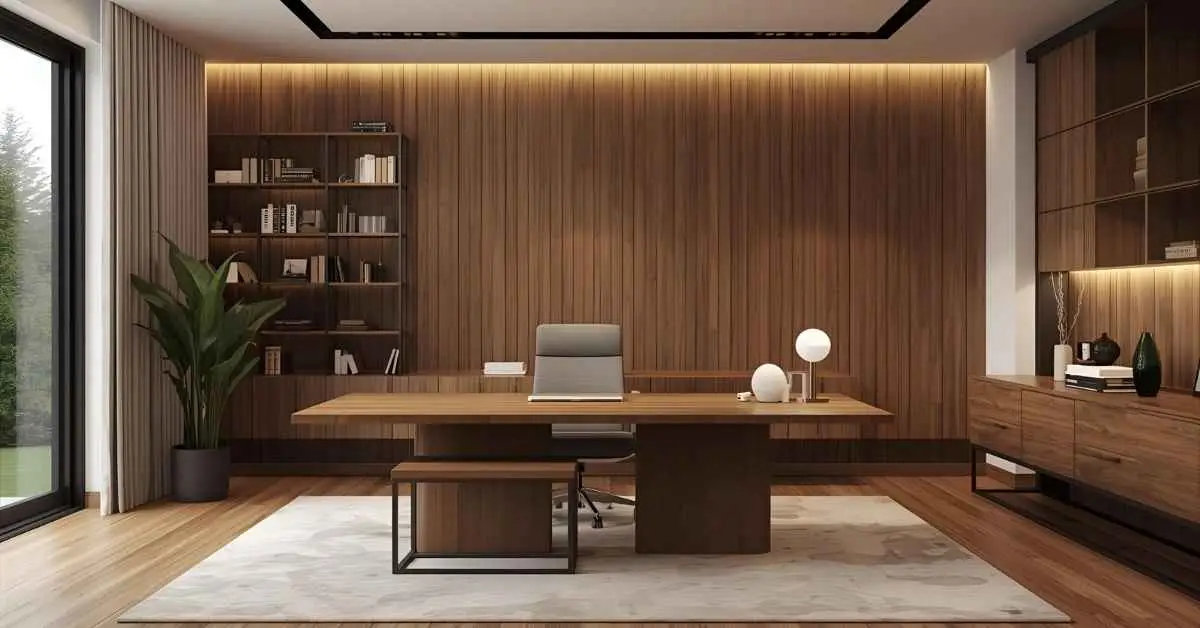
15 Professional Home Office Background Ideas for Virtual Team Meetings
.webp)
We’ve all been there. You join a virtual meeting feeling prepared, then you catch your background on screen and instantly regret every life choice that led to this moment.
I learned the hard way that your background talks before you do. In remote work, what sits behind you matters more than you think. A solid setup boosts confidence and looks professional.
It saves you from awkward explanations. So let’s talk about the video call background ideas that actually work for virtual team meetings.
Key Takeaways
- Explore 15 professional background ideas for your home office
- Understand the common mistakes to avoid in the virtual meeting background
- Learn how to choose the right background for you
1. Textured Wall Background
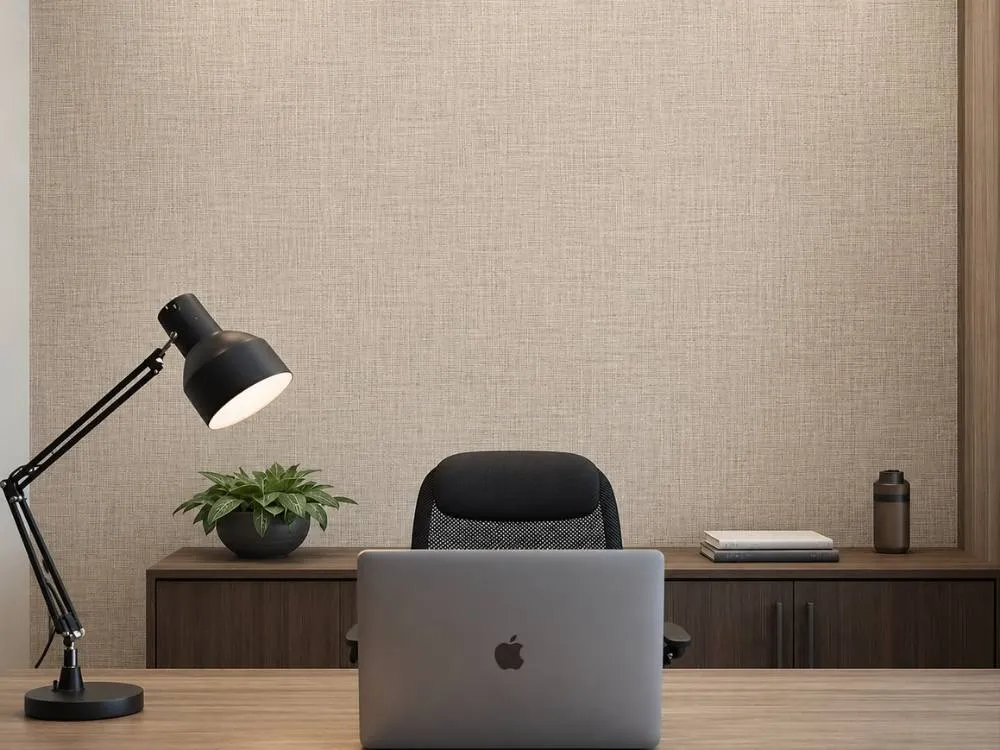
Not every background needs to make a statement. Sometimes a subtle linen wallpaper or light wood panel is all it takes to make your video setup look clean and genuinely well thought out.
Why it works:
- Looks intentional and well designed even on a basic webcam
- Works well with any lighting setup you already have
- Easy to achieve without a full room renovation
- Subtle enough to stay professional across any type of video call
The right background doesn't need to be fancy to be effective. A good textured wall brings enough visual character to make your setup look sharp.
2. Neutral Accent Wall
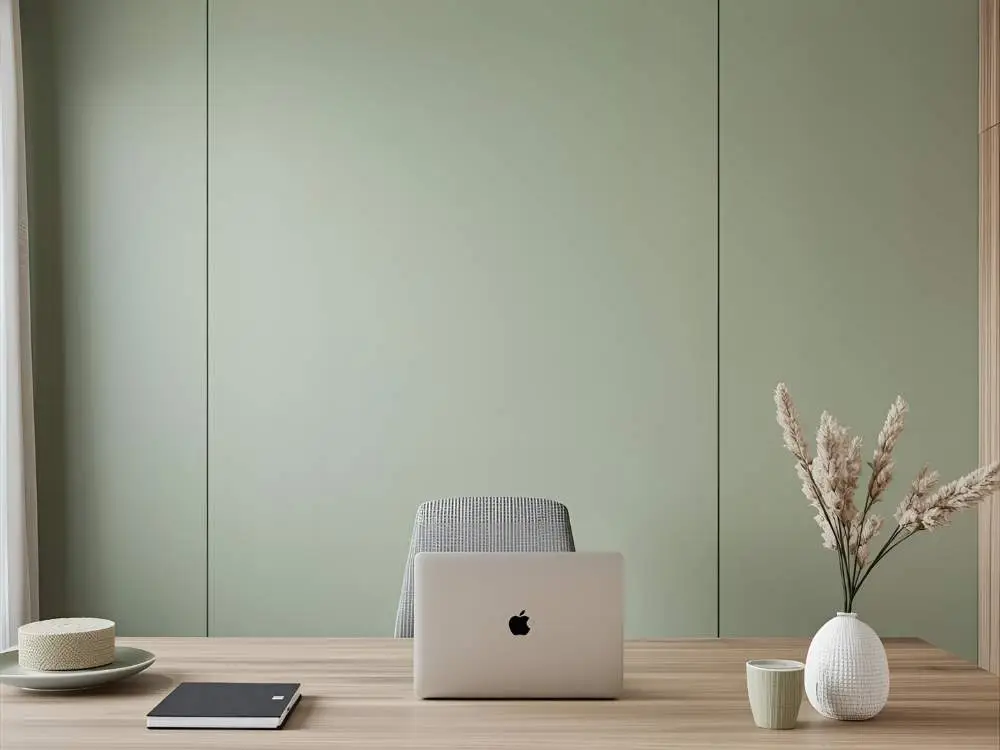
This one adds personality without stealing focus on camera. Soft tones like beige, gray, sage green, or dusty blue strike the right balance between warm and professional without going overboard.
Why it works:
- Adds depth and dimension to your video frame
- Feels warm and approachable without looking too casual
- Pairs well with any lighting setup you already have
- Works across different video platforms and screen qualities
- Easy to achieve with a single coat of the right paint color
Bold neon walls sound fun until the camera picks them up and washes everything else out. A neutral accent wall plays it smart and always delivers on screen.
3. Desk and Lamp Visible Setup
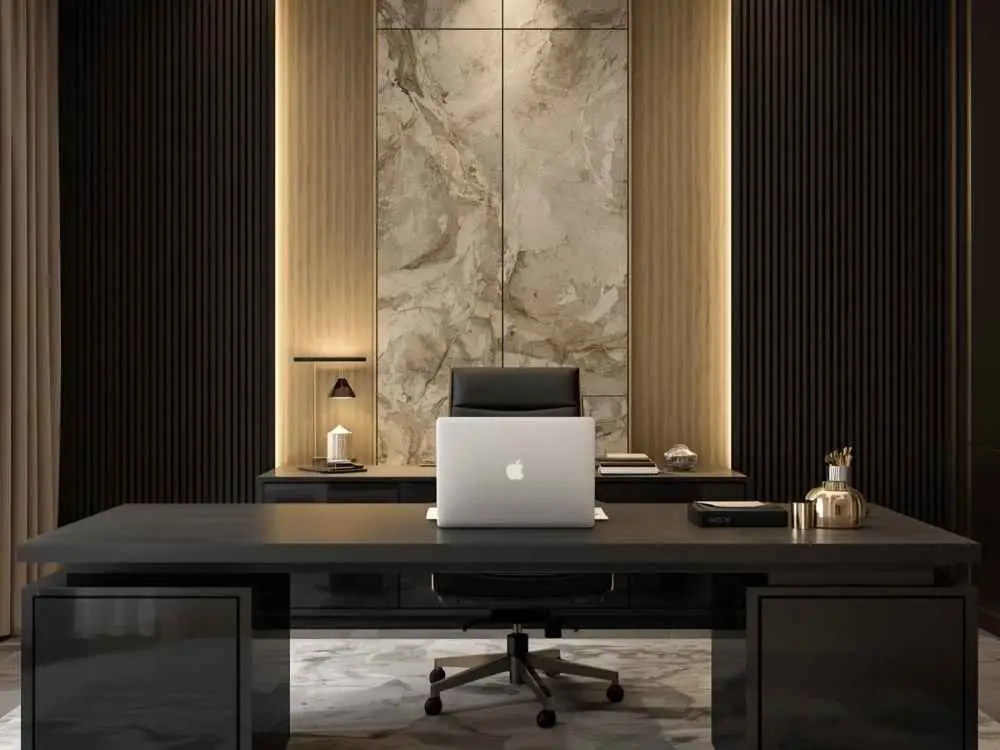
Showing part of your desk and lamp in the frame creates an authentic workspace feel that a plain wall simply can’t replicate. It signals productivity and professionalism without saying a word.
Works best with:
- A clutter-free desk surface that doesn’t pull attention away from you
- A warm-toned desk lamp that adds an inviting glow to the frame
- Intentional placement so everything in frame looks natural and deliberate
- One or two minimal accessories that add personality without creating visual noise
People connect better with backgrounds that feel lived in and real. A well-arranged desk setup gives your video calls that trustworthy quality that staged backgrounds rarely pull off.
4. Indoor Plants Setup
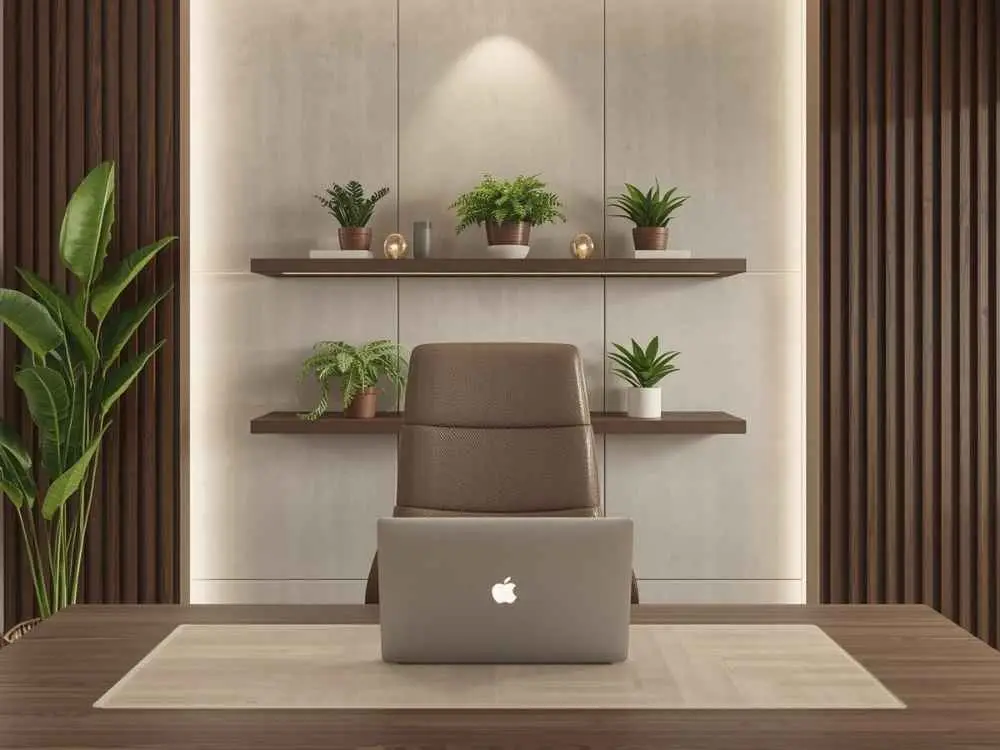
Plants bring life into any background and even a single one can completely soften the feel of a home office on camera. It’s the easiest way to make a video setup look warm and natural.
Why they work:
- Add natural color and texture without overwhelming the frame
- Look great on camera regardless of the lighting conditions
- Require little to no rearranging once they are in the right spot
- Work with virtually any background color or room aesthetic
Low-maintenance options like pothos or ZZ plants deliver a good look without much upkeep. A single well-placed plant behind you can do more for your setup than most expensive gear upgrades ever will.
5. Framed Art or Prints
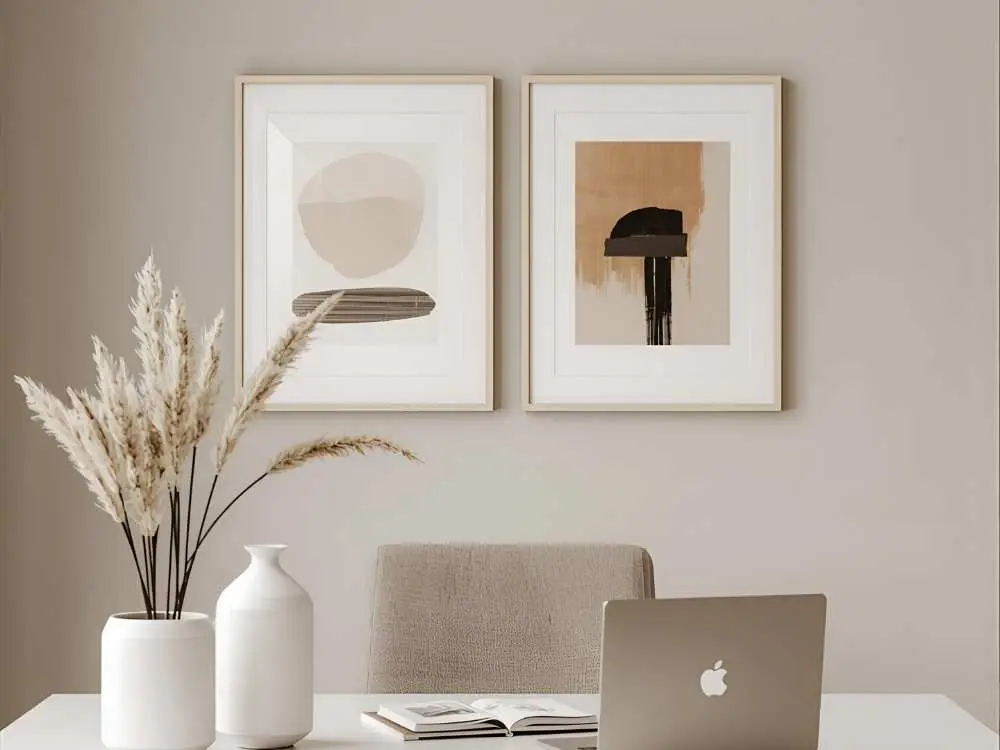
A few good framed pieces can elevate your background instantly. Art adds visual interest to the frame without overwhelming the screen or pulling attention away from the conversation.
Tips to get it right:
- Use simple frames that complement the wall without competing with it
- Stick to one consistent theme or color palette throughout
- Avoid reflective glass that catches light and creates glare on camera
- Use matching or coordinating frames to keep the arrangement cohesive
- Skip busy or overly bright artwork that distracts on screen
- Hang everything at eye level when seated for the most natural framing
People notice tasteful art in a background and it leaves a good impression. A clean wall says a lot about the kind of professional showing up to that call.
6. Corporate-Style Virtual Background
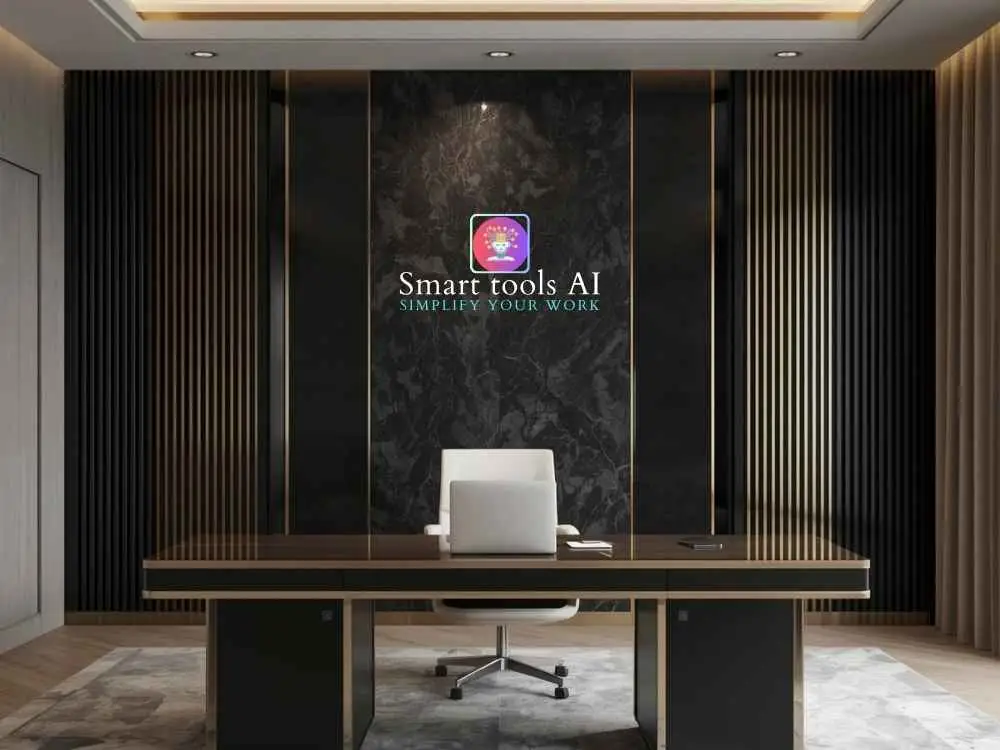
Virtual backgrounds work really well when you choose high-quality designs. They deliver a polished, professional look without any physical setup required on your end.
Good options to consider:
- Neutral office or library settings that feel grounded and realistic
- Soft blurred interiors or bokeh effects that keep the focus on you
- Simple branded backgrounds that reinforce your company identity on calls
- Subtle textures like wood or fabric that mimic a real background naturally
- Clean minimal designs that work across any video platform or device
The key is choosing something that looks believable. Just avoid beaches and tropical scenes unless you want the whole call derailed by questions about your vacation.
7. Floating Shelves
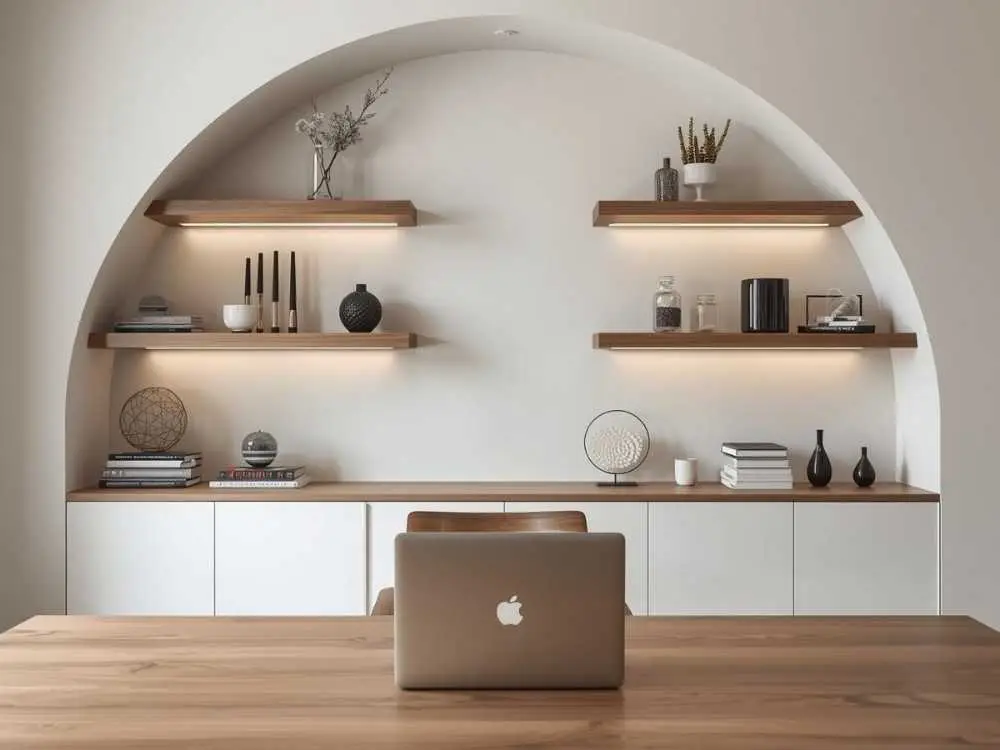
Floating shelves give structure to a background without adding bulk or visual noise. They feel modern and clean while still leaving enough room for personality to come through on camera.
Great items to display:
- Small plants or succulents that add a natural touch
- Minimal decor like candles or small frames that keep things understated
- One or two books laid flat or standing for a smart, intentional look
- A small clock or decorative object that fills space without cluttering it
A well-styled floating shelf setup looks designed without feeling staged. It gives the background enough going on to be interesting without ever becoming the thing people are staring at during the call.
8. Wooden Texture Background
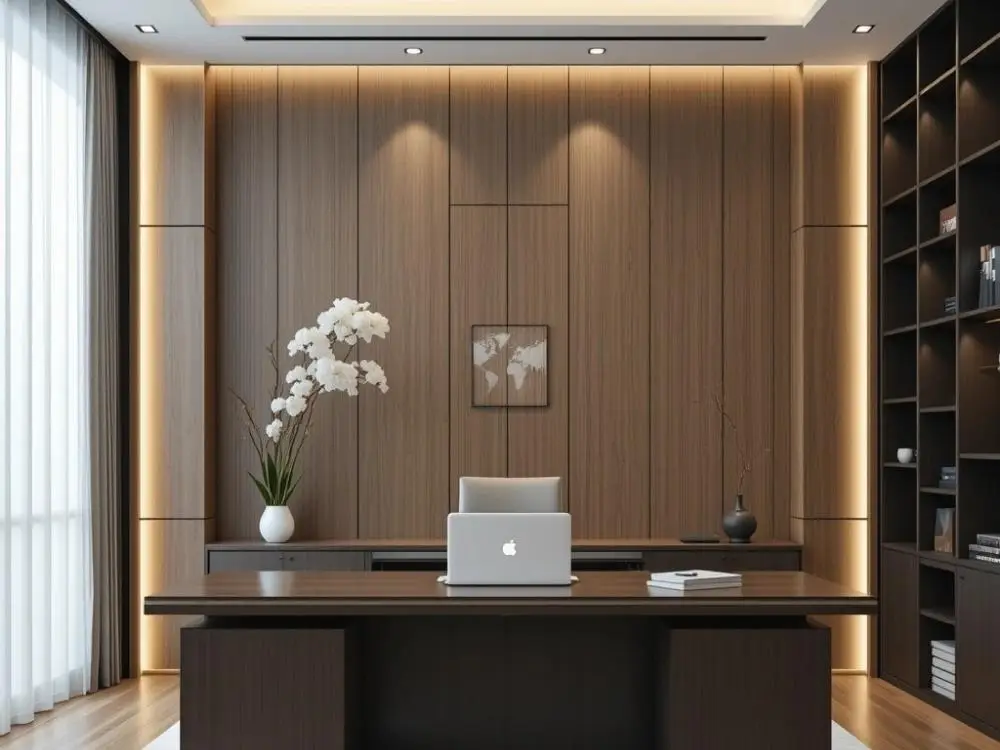
Wood textures bring professionalism to any home office setup. Whether it's a wooden wall decor or a shelving unit, wood has a way of looking good on camera.
Why it stands out:
- Feels warm and natural in a way most materials simply can't match
- Looks premium even on lower resolution cameras
- Adds subtle character to the frame without becoming a distraction
- Holds up well under any lighting condition you throw at it
A wooden background is the kind of setup that earns compliments without drawing attention to itself. It just works and that's exactly what a great background is supposed to do.
9. Window With Soft Curtains
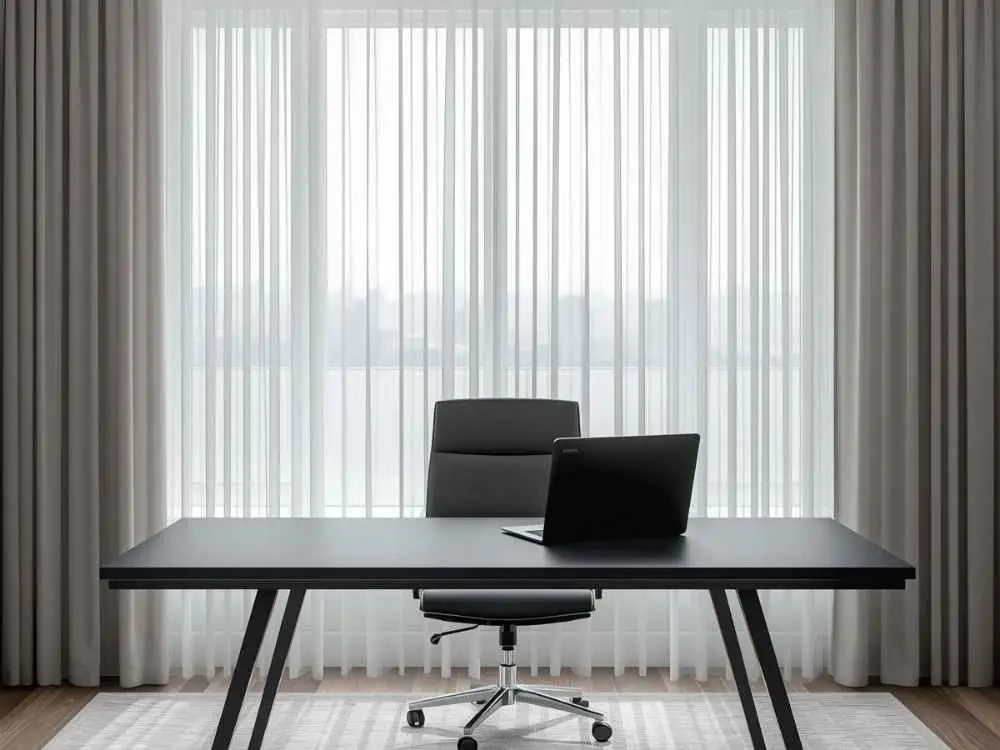
Good lighting changes everything on a video call and a window with soft curtains gives you exactly that for free. It's the kind of background that looks intentional.
How to do it right:
- Use light colored curtains that diffuse sunlight without blocking it completely
- Position yourself perpendicular to the window for the most flattering natural light
- Keep the window clean and clear so the light coming through stays consistent
A window with soft curtains looks awesome for a background. Natural light does most of the heavy lifting and the curtains handle the rest.
10. Corner Desk Background
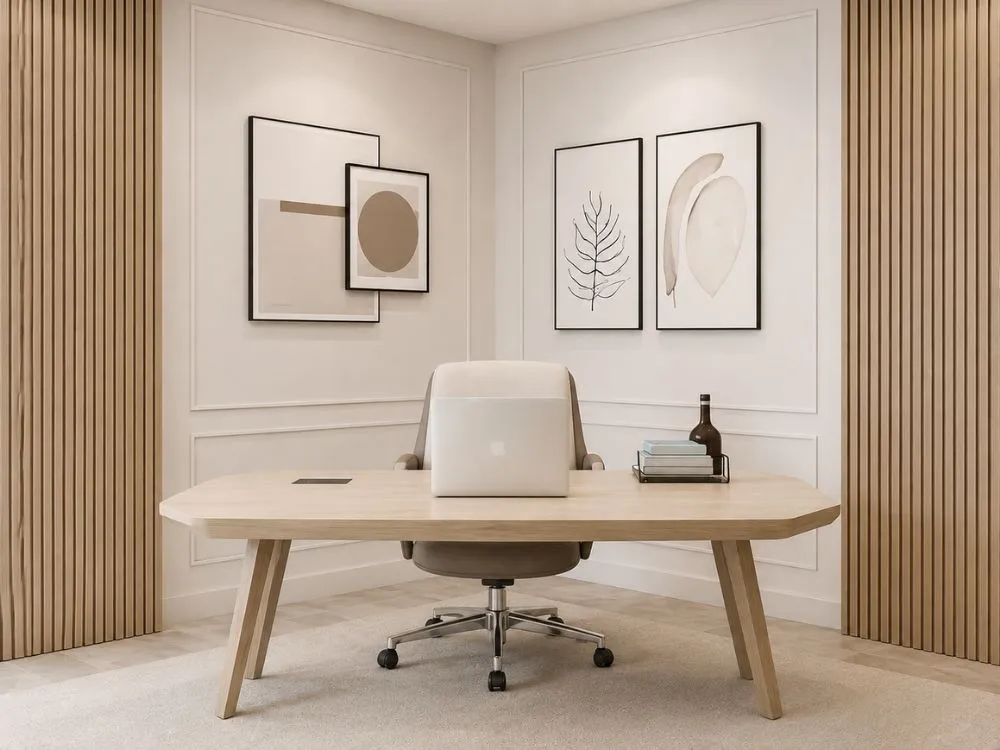
Corner setups feel tidy and intentional on camera. They frame you nicely while naturally keeping clutter and distractions out of the shot without much extra effort.
Why it works:
- Creates natural depth and dimension that flat walls can't replicate
- Keeps distractions and clutter out of view without hiding everything away
- Makes small home office rooms look bigger and more spacious on screen
- Uses available space efficiently without sacrificing comfort or functionality
- Looks balanced and professional regardless of the room size behind it
A corner desk office layout is especially worth considering when the room feels too small for a traditional setup. It turns a tight space into something that actually looks great on camera.
11. Neutral Fabric Backdrop
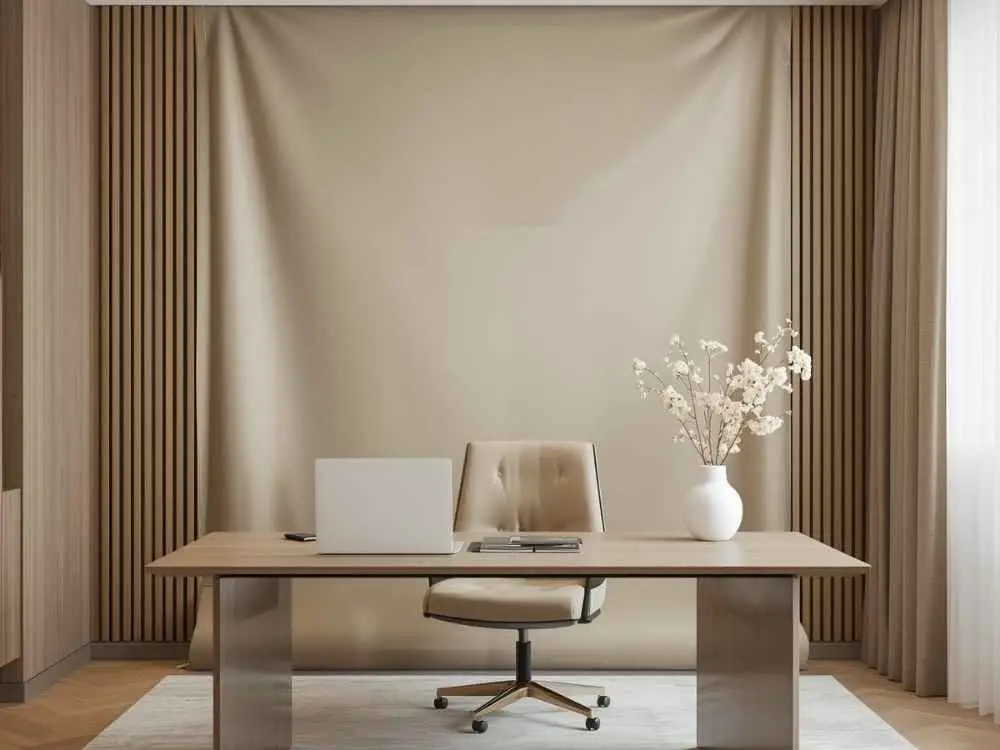
This one offers a clean and polished look when wall space feels limited or the room just isn't cooperating. They work especially well in shared living spaces where permanent changes aren't an option.
Pick fabrics that are:
- Free from wrinkles or easy enough to steam before a call
- Soft enough to absorb light without creating harsh reflections
- Machine washable so keeping them fresh and clean stays effortless
- Lightweight and easy to set up or store when not in use
Fabric backdrops are underrated background options. They are affordable and deliver a surprisingly professional look that works well for renters and anyone dealing with a tight or shared space.
12. Gallery Wall
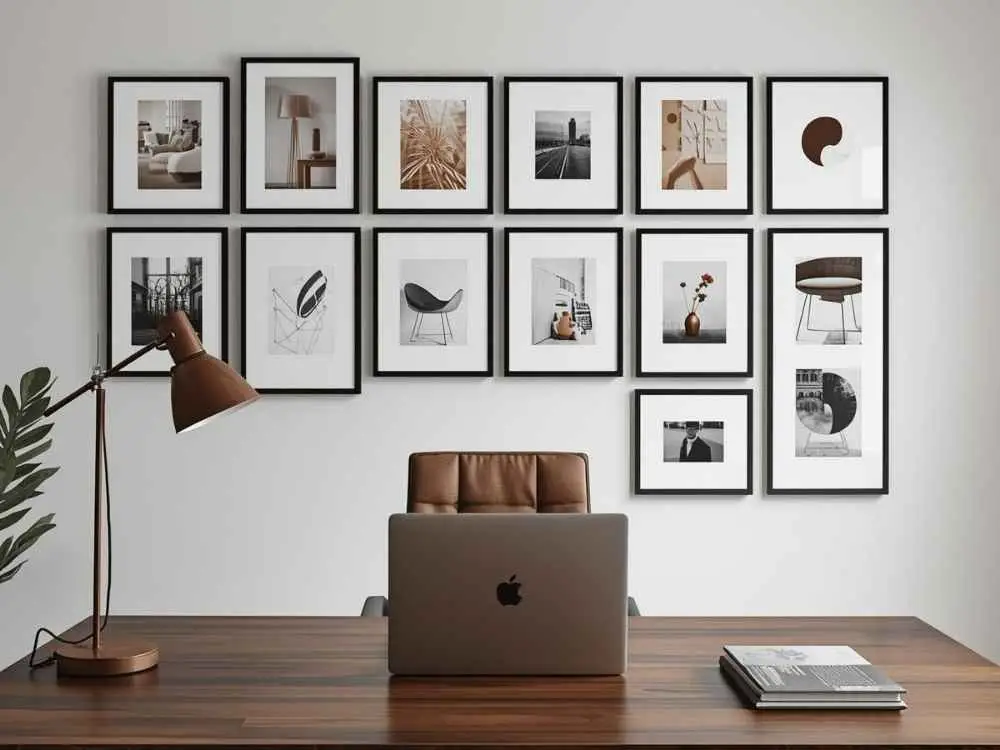
Nobody wants to be the person on the call with the chaotic wall behind them. A gallery wall can be a genuinely great video background but it takes some thought to pull off without looking like you just threw a bunch of stuff up there.
Rules to follow:
- Work within a limited color palette that complements the rest of the room
- Keep spacing balanced between every piece on the wall
- Choose artwork that shares a common theme or visual tone
- Step back and check how it looks through the camera before committing
One mismatched poster can throw the entire vibe off. A well-planned gallery wall looks sharp on screen but it only takes one wrong piece to undo all of it.
13. Bookshelf With Intention
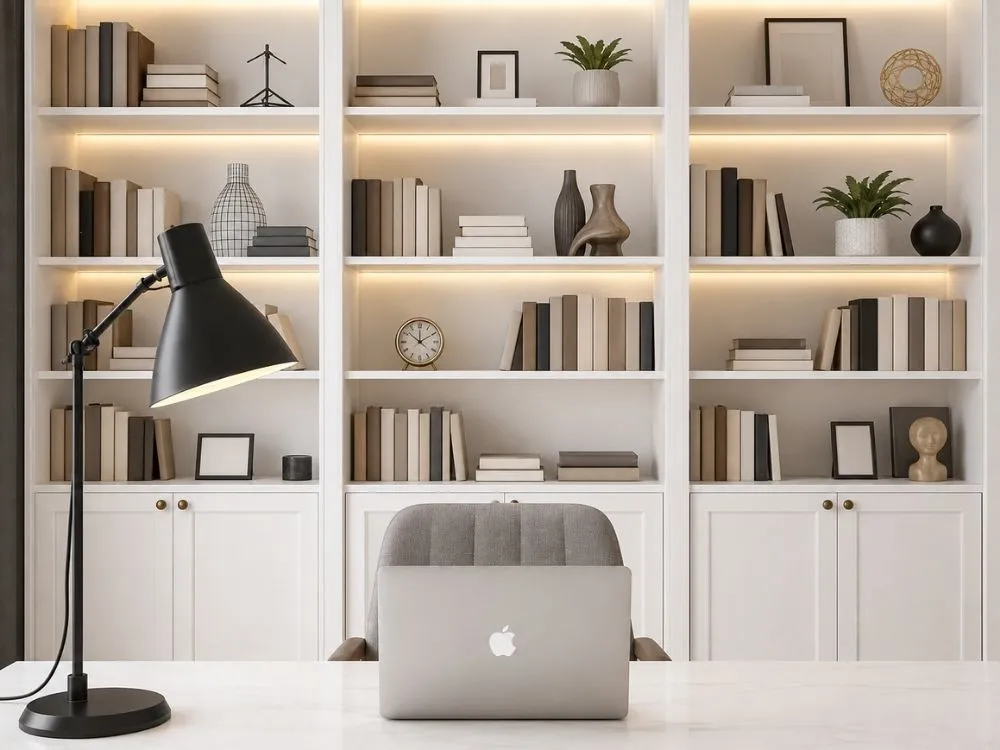
A bookshelf background can look really sharp on camera but only when it's made with some thought. The second it starts looking like a dumping ground for random stuff, it stops working in your favor.
Best practices:
- Mix books with a few 3D-printed decor items to break up the visual monotony
- Stick to soft colors that read cleanly on any camera
- Avoid overcrowding the shelves so everything has room to breathe
- Use bookends to keep sections neat and visually organized
A good bookshelf background doesn't announce itself and that's exactly the point. It just sits there looking smart and put together while you get all the credit on the call.
14. Whiteboard or Planning Wall
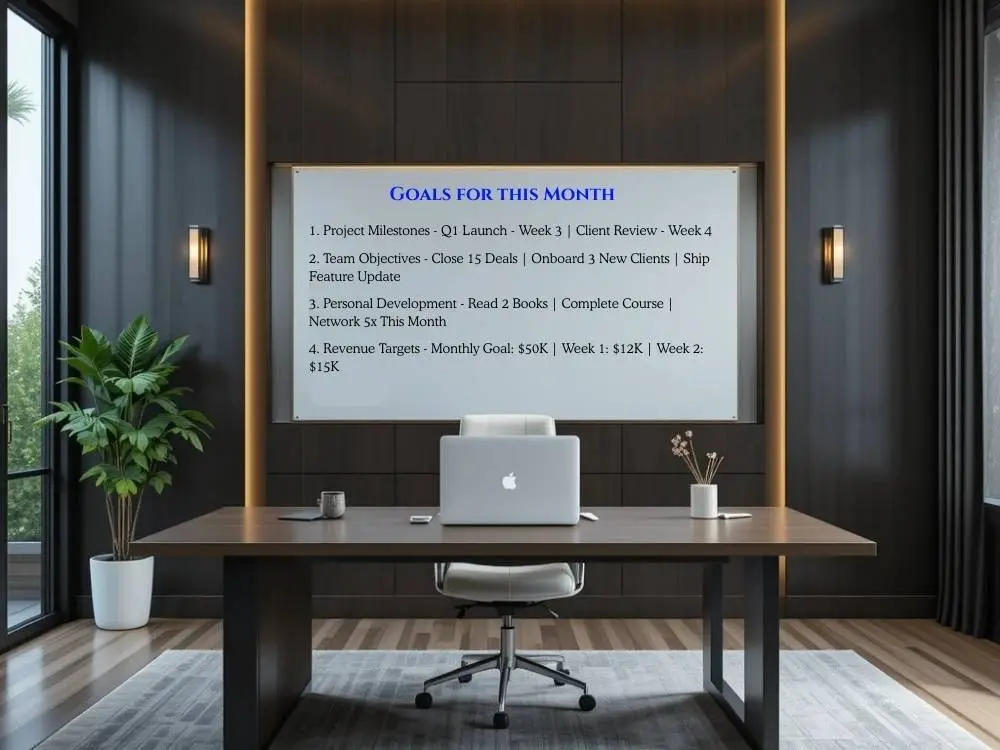
A visible whiteboard in the background tells people you are organized without you having to say a word. The key is keeping it readable and relevant to the work at hand.
What to display:
- Weekly goals or project milestones that show progress and direction
- Simple diagrams or flowcharts that spark curiosity without causing confusion
- One short motivational quote that sets a positive tone for the space
- Key metrics or numbers that keep the team focused on what matters
A whiteboard background works really well when it's used right. Just make sure the grocery list gets erased before the client call starts because that's not a great look for anyone.
15. Symmetrical Setup
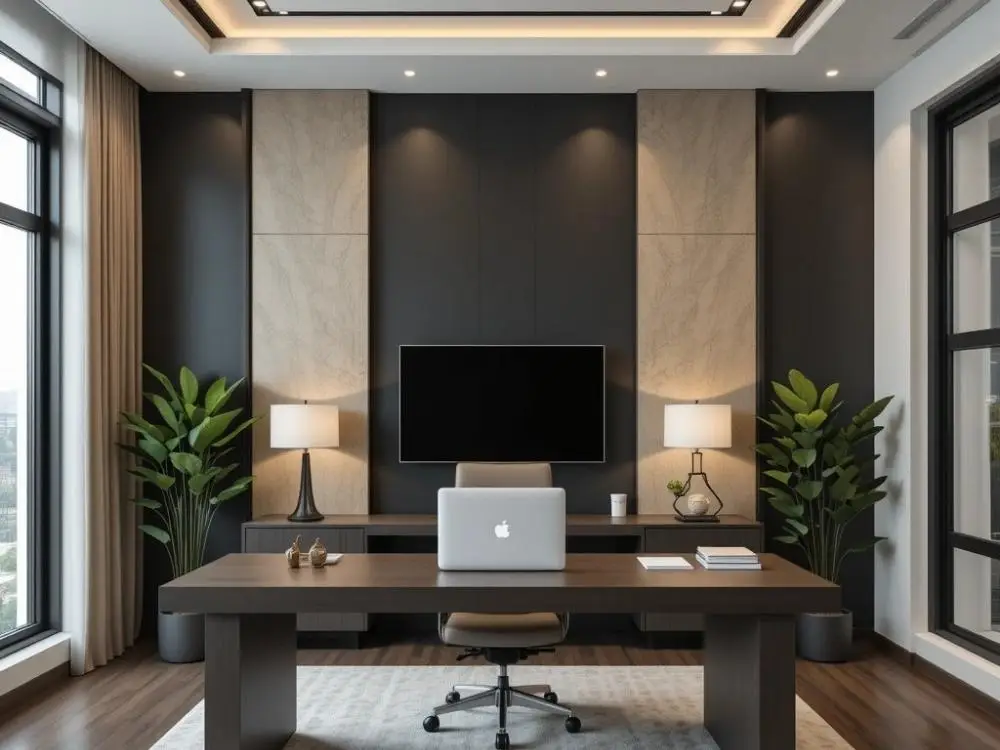
A symmetrical setup instantly reads as professional on camera. Balanced decor on both sides of the frame creates a sense of visual calm that people notice even if they can't quite put their finger on why.
How to pull it off:
- Match items like lamps or plants on both sides of the frame
- Center yourself in the shot so the balance comes through clearly on screen
- Keep spacing and height even on both sides so nothing feels off or lopsided
- Use pairs of similar decor items that complement each other without being identical
- Step back and check through the camera before settling on the final arrangement
Symmetry is one of those things that just photographs well. It makes even a simple background look genuinely professional without requiring much to pull off.
Common Mistakes to Avoid
Even the best backgrounds can fall apart with a few missteps. The good thing is that most of these are easy to fix once you know what to look for.
Watch out for:
- Messy or cluttered backgrounds that pull attention away from you
- Loud patterns or busy wallpaper that compete with everything else on screen
- Poor lighting that is either too dark to see clearly or too bright to look at
- Distracting movement like ceiling fans or people walking through the frame
- Overcrowded shelves or decor that turn a styled background into visual chaos
It only takes one distraction to derail an otherwise great call. Someone's laundry pile becoming the star of the meeting is a real thing that happens and it's entirely avoidable with a quick camera check beforehand.
How to Choose the Right Background for You
Not every background works for everyone. So pick something that feels relevant for your work type.
Ask yourself:
- Does this match my role and industry?
- Does it feel authentic to me?
- Does it minimize distractions?
- Does it work with my lighting setup?
- Is it easy to maintain?
Always test the background on camera before important meetings. Saved me many times.
Wrapping Up
A professional home office background doesn’t need to be fancy or expensive. It just needs a little bit of thought. When your background is on your side and not a source of distraction for others, then handling meetings feels easier and boosts self-confidence. Try one or two of these 15 professional background ideas and see how your virtual presence changes.
FAQs
Q1: Why Do Backgrounds Matter in Virtual Meetings?
It shows the professionalism of the person. Even if the audience tries not to, they will still form impressions fast. The speaker gets an easy time getting his ideas across if his background is clean. It’s that simple.
Q2: What's the biggest mistake people make with video backgrounds?
The most common mistake is clutter. The presence of too many items, bright colors, or messy spaces can make viewers lose sight of you. So keep it simple and intentional.
Explore Related Posts
https://smarttoolsai.com/post/virtual-meeting-etiquette