
How to Start with Amazon KDP and Make Money
.webp)
What if you could make money from your writing without ever stepping into a bookstore? This is what Amazon KDP offers. Starting this business is easier than you think. Many people publish books every day without dealing with printing costs or storage issues.
The good thing is Amazon handles the printing and delivery while you focus on creating content and reaching readers. If you're looking for a side income or want to build a full-time writing career, KDP offers a real way to earn online.
The best part? You don't need publishing connections or thousands of dollars to begin. Let me walk you through exactly how to launch your own Amazon KDP business.
Key Takeaways
- Know how Amazon KDP works and whether it's right for you.
- Find out how much you can roughly earn and what royalties you'll get.
- Know the different types of books you can publish.
- Understand how to pick profitable niches and validate your book ideas before publishing.
- Avoid the common mistakes that most new KDP authors make when starting out.
What is Amazon KDP and How Does It Work?
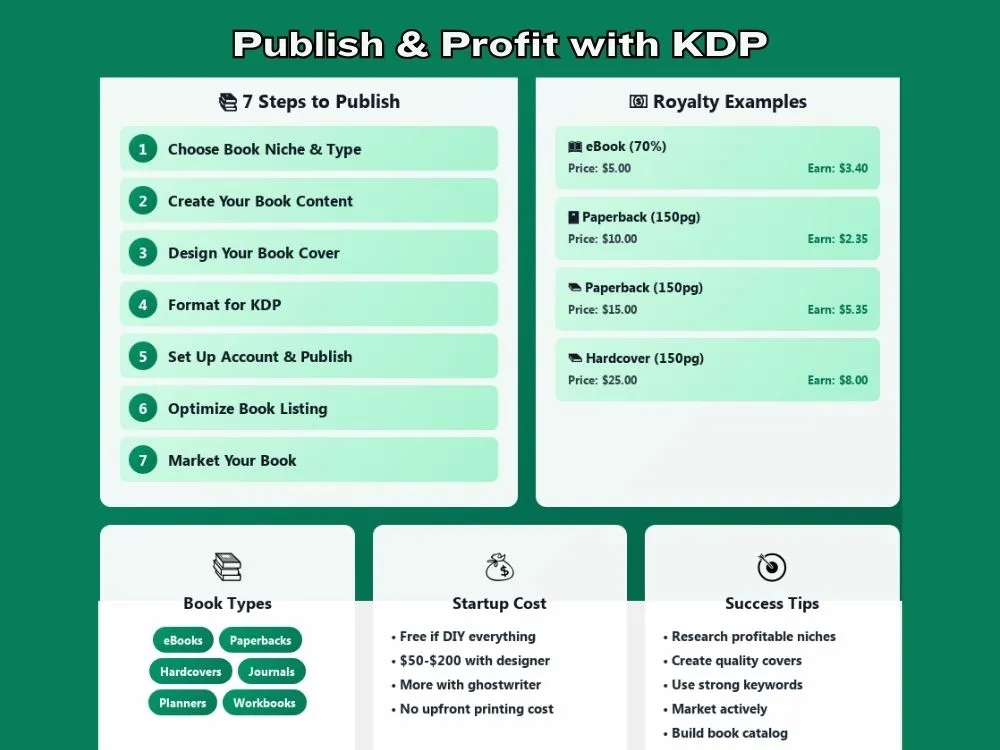
Amazon KDP is short for Kindle Direct Publishing. It lets you upload your book to Amazon and sell it to readers around the world. You can offer ebooks or physical copies like paperbacks. Amazon takes care of the technical stuff such as printing and shipping, as it does for print on demand business.
Here's the simple flow:
- You create your book
- You upload it to KDP
- A customer buys your book on Amazon
- Amazon delivers the ebook or prints and ships the paperback
- You earn a royalty
You don't pay anything upfront to print books. Everything happens only after a customer places an order.
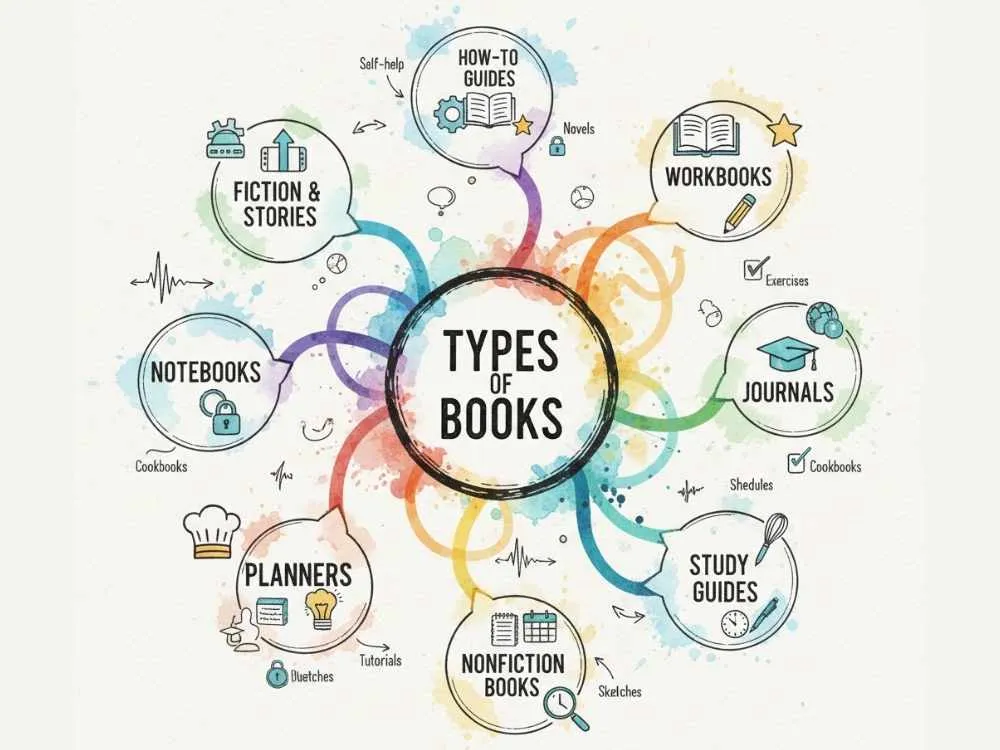
Types of Books You Can Publish on KDP
A) eBooks (Kindle)
Kindle books are digital and easy to publish. You only need a properly formatted file and a cover.
They work well for:
- How to guides
- Short nonfiction books
- Fiction and stories
They usually have higher profit margins since there is no printing cost.
B) Paperbacks
Paperback books are printed when someone orders.
They are great for:
- Workbooks
- Journals
- Study guides
- Nonfiction books
Printing costs reduce your profit, but paperbacks often feel more valuable to buyers.
C) Low-Content Books
Low-content books include:
- Notebooks
- Planners
- Logs
- Journals
- Recipes
They are quick to create but very competitive. Success depends heavily on niche selection and cover design.
How Much Money Can You Actually Make with KDP?
Some beginners make $10 to $50 per month with one book. Others make hundreds or thousands once they build a small catalog. Some even earn 4 to 5 figures monthly.
Your real income depends on:
- Your niche
- Your book quality
- Your pricing
- How visible your listing is
Amazon pays you royalties based on your chosen royalty option and list price.
KDP Royalty Structure Breakdown
| Format | List Price Example | Royalty Rate | Printing Cost | Calculation | Your Earnings (US) |
|---|---|---|---|---|---|
| Kindle eBook (35%) | $3.00 | 35% | None | 35% × $3.00 | $1.05 |
| Kindle eBook (70%) | $5.00 | 70% | $0.10 (1MB file) | (70% × $5.00) - $0.10 | $3.40 |
| Paperback (150 pages) | $10.00 | 60% | $3.65 | (60% × $10.00) - $3.65 | $2.35 |
| Paperback (150 pages) | $15.00 | 60% | $3.65 | (60% × $15.00) - $3.65 | $5.35 |
| Hardcover (150 pages) | $20.00 | 60% | $7.00 | (60% × $20.00) - $7.00 | $5.00 |
| Hardcover (150 pages) | $25.00 | 60% | $7.00 | (60% × $25.00) - $7.00 | $8.00 |
Important Notes:
- Paperbacks and hardcovers priced below $10 receive 50% royalty instead of 60%.
- The 70% eBook royalty is suitable only if you price your book between $2.99 to $9.99.
- eBook delivery fees depend on file size. Larger files cost more to deliver.
- Printing costs change based on how many pages your book has and whether you use black ink or color.
- You get 40% royalty after printing costs if you choose expanded distribution for paperbacks.
The examples shown reflect US marketplace sales without tax deductions. Actual earnings may vary by country due to VAT or GST.
Step 1: Choose Your Book Niche and Type
A) Finding Profitable Niches
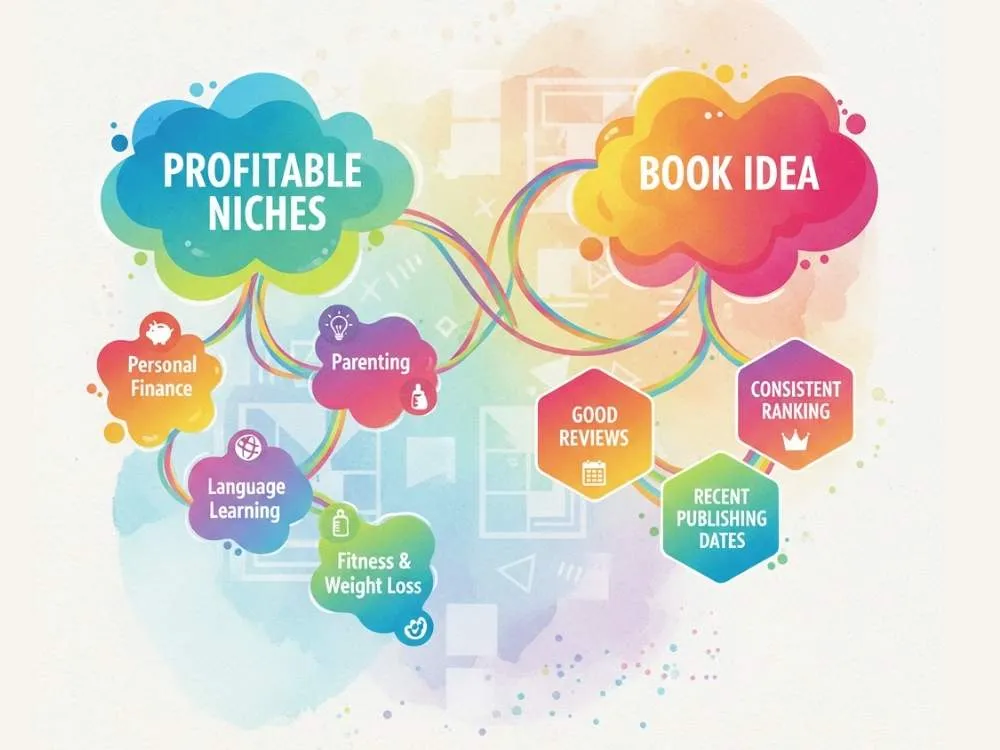
Good niches solve problems or serve clear interests. Examples include:
- Personal finance
- Fitness and weight loss
- Parenting
- Productivity
- Language learning
People usually buy books to fix something or improve something.
B) Validating Your Book Idea
Search your topic on Amazon. You should look out for:
- Books with many reviews
- Consistent ranking
- Recent publishing dates
If people are already buying similar books, that's a good sign. You might not need a completely unique idea. You need a better angle.
Step 2: Create Your Book Content

A) Writing It Yourself
This is the cheapest option that suits well for beginners. Focus on being helpful and practical. Don't try to write a perfect book. Try to write a useful one.
B) Hiring Ghostwriters
You can hire writers from platforms like Fiverr or Upwork.
Always:
- Ask for samples
- Make sure you own full rights
- Use plagiarism checks
Ghostwriting costs money, so plan your budget carefully.
C) Low-Content Book Creation
For low-content books, you focus on layout instead of writing.
You design:
- Page templates
- Prompts
- Sections
Simple structure and clean design matter more than fancy graphics.
Step 3: Design Your Book Cover
Your cover is your main marketing tool. People notice the cover first and it really determines their purchasing decision. That's reality so your cover should:
- Be easy to read as a small thumbnail.
- Clearly show what the book is about.
- Relevant to the style of your niche.
You can design it yourself using tools like Canva or hire a designer from Fiverr or 99designs.
Step 4: Format Your Book for KDP
Formatting means preparing your file so it displays correctly on Kindle devices and in print.
You must:
- Set proper margins
- Use clean fonts
- Create a table of contents
- Remove extra spaces and line breaks
- Check page numbers for print books
- Confirm that images are properly sized
Tools like Kindle Create, Atticus, or simple Word templates work fine for beginners. Always preview your book before publishing.
Step 5: Set Up Your KDP Account and Publish

A) Creating Your Account
Go to kdp.amazon.com and register or sign in with your existing Amazon account.
You will add:
- Author details
- Tax information (W-9 for US residents or W-8 for non-US)
- Bank details for royalty payments
This won't take too long. Make sure your tax information is accurate to avoid unnecessary payment delays.
B) Uploading Your Book
You upload:
You also enter:
- Title
- Subtitle
- Description (this sells your book to readers)
- Keywords (up to 7 search terms)
- Categories (choose 2 that fit your book)
Your description and keywords help readers find your book, so choose them carefully.
C) Setting Your Price and Royalty Options
Pick a price for your book. For eBooks, you can choose between two royalty options. The 70% option pays you more per sale but only works if you price your book between $2.99 and $9.99. The 35% option works at any price point.
For paperbacks and hardcovers, Amazon shows you the printing cost based on your page count. You then set your price high enough to make a profit after printing costs are deducted.
D) Publishing Your Book
Click publish once you fill everything. Amazon reviews your book and after approval, it makes it live so customers can buy it.
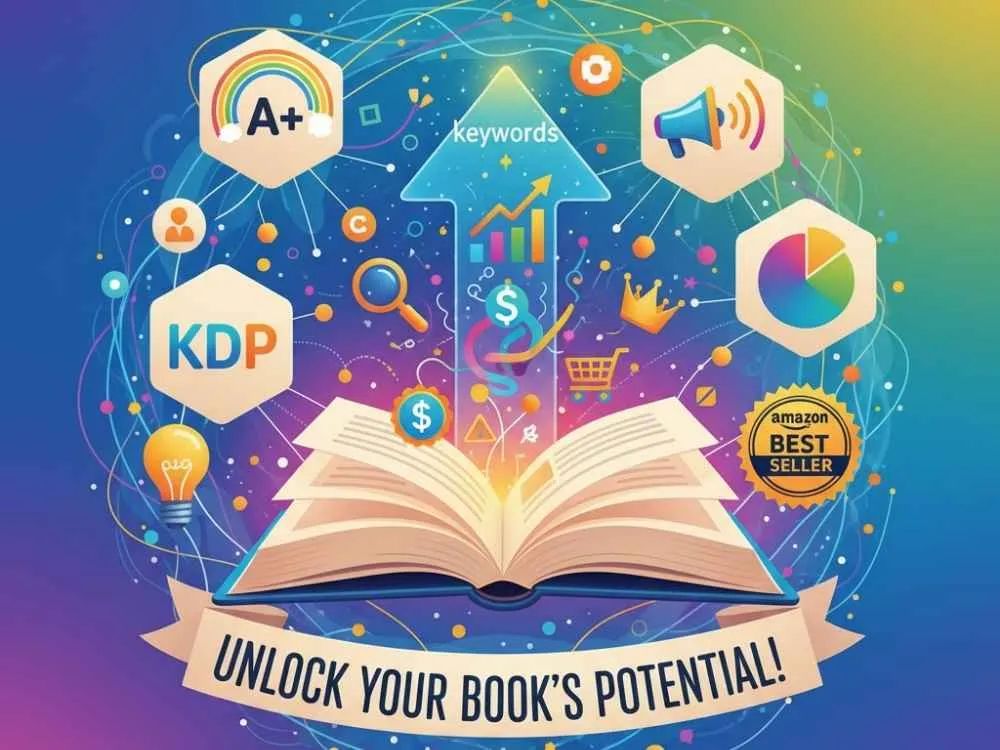
Step 6: Optimize Your Book Listing for Sales
A) Writing Compelling Book Descriptions
- Keep paragraphs short and easy to read.
- Use bullet points to show key benefits.
- Talk about the problems you solve and the results readers can expect.
- Don't just list your chapter titles.
B) Choosing the Right Categories and Keywords
Pick categories where your book has a real chance to rank. Avoid super competitive categories where your book will get lost.
Use keywords that actual readers would search for. Think about what you'd type into Amazon if you needed this book.
For example, someone looking for help might search for how to save money fast instead of financial planning strategies. Be specific and practical.
Step 7: Market Your Book
Publishing alone doesn't bring sales. You need to actively promote it to get sales. Some simple ways to promote your book:
- Share it on your social media accounts.
- Ask friends or early readers for honest reviews.
- Build a small email list and let people know when you publish.
- Join online groups where your target readers hang out.
- Run small Amazon ads once you understand what works.
Don’t just rely on Amazon to do the marketing part. If you wanna make real money, market your books with a tiny budget and focus on one or two methods.
Common Amazon KDP Mistakes to Avoid
Many beginners just rush to publish without researching demand. Some common mistakes you should avoid:
- Using poor-quality or generic covers.
- Writing vague descriptions that don't sell the book.
- Choosing overly competitive niches where you can't stand out.
- Ignoring proper formatting.
- Publishing low-quality content just to get something published.
- Violating Amazon's copyright rules by using images or text you don't own.
You can prevent copyright rules by making unique images or text. Plus, find royalty-free images or check if an image is copyrighted using our reverse image search tool. It helps find similar images and verify their sources.
Wrapping Up
Starting with Amazon KDP takes time and some patience. Don't expect overnight success which you won't get. Focus on making quality books and learning what really works in your niche. You'll understand what readers want when you publish and learn more. Try to stay consistent and keep improving, so that KDP becomes a real source of income for you.
FAQs
Q1: How much money do I need to start with Amazon KDP?
You can start for free if you do everything yourself. Most people spend around $50 to $200 on a cover designer or editor. If you hire a ghostwriter, it costs more depending on your book length.
Q2: Can I start KDP without any writing experience?
You can because many people who make money on KDP aren't professional writers. Hire someone to write for you or create simple guides or low-content books like planners.
Q3: How long does it take to make money on Amazon KDP?
Some people make their first sale in a few days. Some take weeks or months. It all depends on your niche and your marketing. Publishing multiple books usually helps you earn more consistently.
Explore Related Posts
https://smarttoolsai.com/post/how-to-start-an-amazon-fba-business